DreamCatcher Replay System
Page 48 Revision 1.13
5.0 4k Set Up and Basic Operation
Required equipment:
1x DreamCatcher server
1x Controllers
2x DVI cable for Multi-viewer
1x USB A to B cables
2x Ethernet cables
5x Power cables
2x Monitors
1x Keyboard
1x Mouse
Procedure:
UseFigure 5-1, Figure 5-2, Figure 5-3 , Figure 5-4, Table 5-1 as reference
In order to use the „zoom‟ function in DreamCatcher 4K mode, you have to first ensure that your
outputs are configured correctly. You‟ll need one output window set up with the proper tools for
performing the actual zoom, and a second output window for showing the result of the zoom. Here
is a diagram of a typical 4K DreamCatcher setup, which allows for optimal zooming capabilities
(see Figure 5-1)
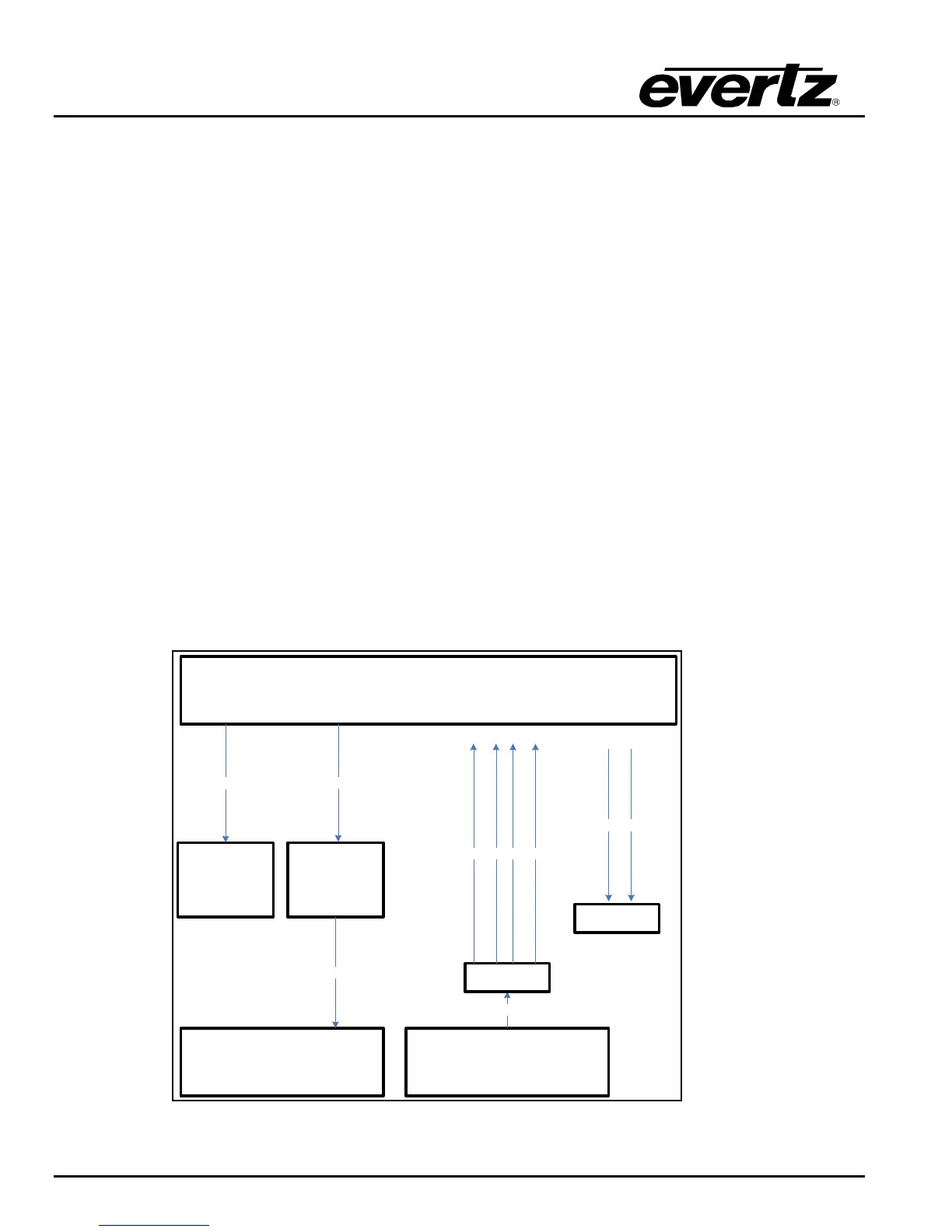
Figure 5-1: 4k Set up
DreamCatcher Server 1
Monitor Touch Monitor
DVI
DVI
DVI Display Port 1
USB B
USB A
DreamCatcher Controller 1
USB
4K Camera
4K Out
CPU
Q1 Q2 Q3 Q4
DC Input 1 – 4
21
DC Output 1/2
Destination


 To Next Page