HDSD9545DLY - PRO Profanity Bypass Delay Manual
OPERATION Revision 1.3.7 Page 3-19
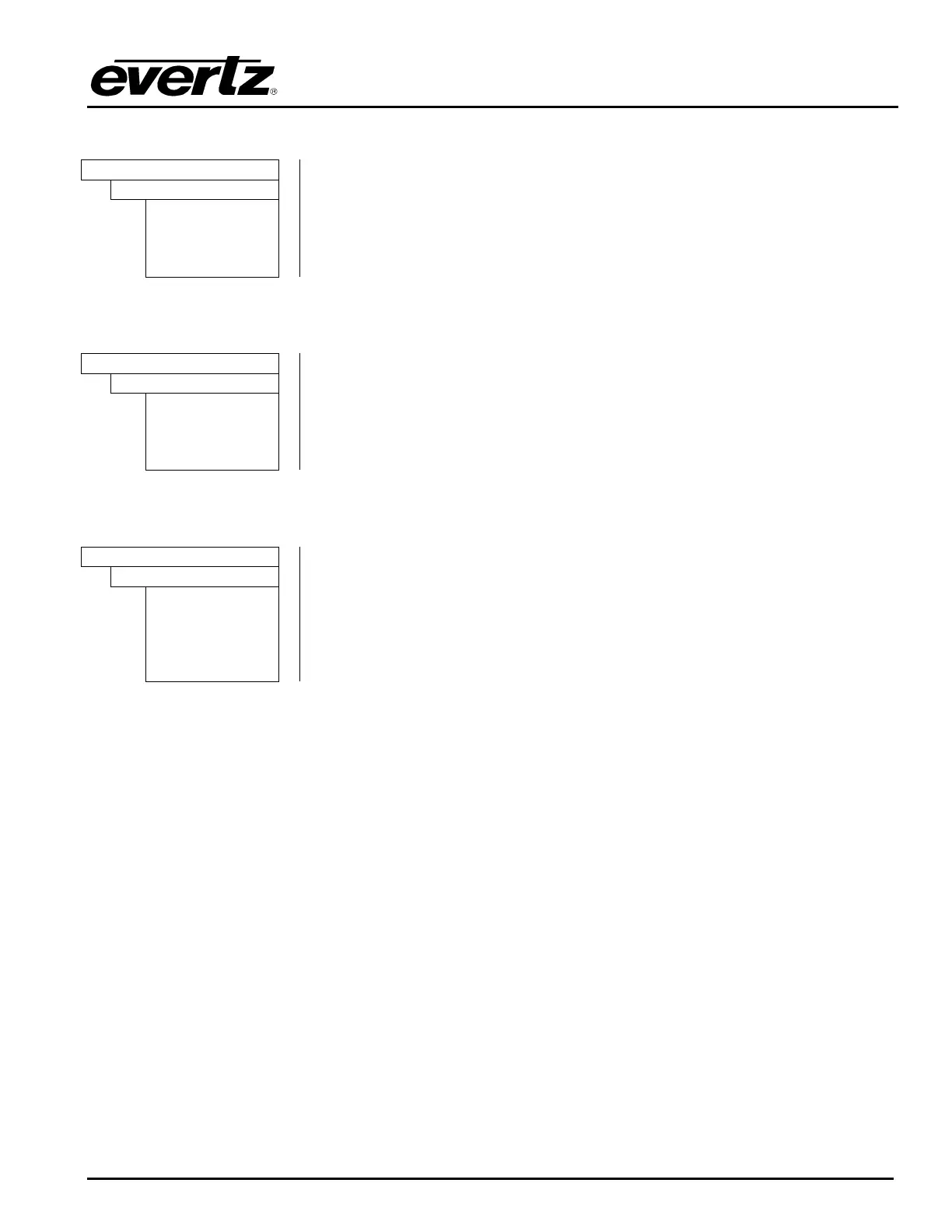
3.13.1. Viewing the Firmware Version
FIRMWARE
Firmware Version
HDSD9545DL
Y-PRO
Version 1.0
Build 22
This menu item is used to view the firmware version of the unit.
Pressing the SELECT key when this menu item is displayed will show the
firmware name. Use the ↑ or ↓ keys to view the version and build number.
3.13.2. Viewing the Maximum Delay
FIRMWARE
Maximum Delay
SD Delay = xx
sec
HD Delay = xx
sec
This menu item is used to view the firmware version of the unit.
Pressing the SELECT key when this menu item is displayed will show the
maximum delay. Use the ↑ or ↓ keys to view the HD and SD maximum
delay.
3.13.3. Updating the Firmware Version
FIRMWARE
Reboot Now
After new firmware has been loaded into the unit using an FTP connection
the unit will require rebooting. This menu item provides a convenient way of
doing this without removing the power. For more information about updating
the firmware in the unit see section 4.3.1.
Pressing the SELECT key when this menu item is shown will prompt you to
reboot the unit. Press the SELECT key one more time to reboot the unit.



 To Next Page