HDSD9545DLY - PRO Profanity Bypass Delay Manual
TECHNICAL DESCRIPTION Revision 1.3.7 Page 4-7
4.3.1.3. Step 3 – Upgrading the Application Code
11. Obtain the new application code and place it on the local drive of the PC
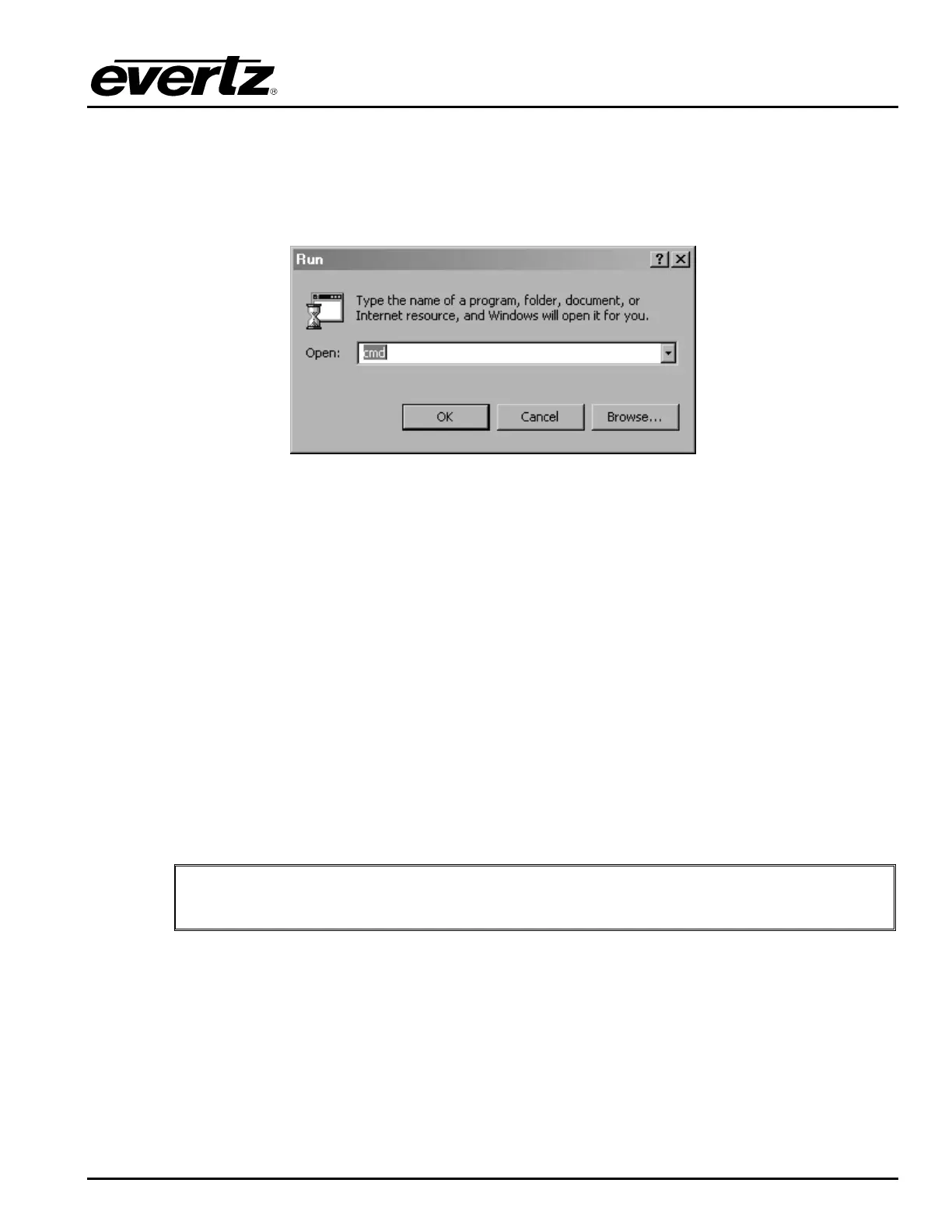
12. Open a DOS window. This can be accomplished by using the run command under the start button,
type “cmd”; see figure below for an example:
13. In the DOS window type:
ftp xxx.xxx.xxx.xxx (IP address of the module).
14. Press the <Enter> key when prompted for a “Username”.
15. Press the <Enter> key when prompted for a “Password”.
16. At the “FTP>” prompt, type the following:
put “the name of the file.bin”.
(For example: “put 9000JJ_SW-1-0b310.bin)
17. If the application file is not local to where you are performing the ftp, then include the path with the
name (For example: put c:\firmware\9000JJ_SW-1-0b310.bin).
18. A message indicating the successful connection to the module is displayed.
19. File transfer occurs in several seconds and the DOS window displays the “FTP>” prompt again.
20. Type “
quit” at the “FTP>” prompt to exit the FTP procedure. At this time, the front panel display will
show a “% complete” value indicating that the card is now uploading the new code.
"
During this time it is mandatory that all power cycles of the unit be avoided. The
figure below displays a successful FTP session.



 To Next Page