XRF1/XRF1A 16x16 RF Router Manual
XRF1 - 4-6 Revision 1.2 FRONT PANEL INTERFACE
4.3.1. Display Function within Modes of Operation
Through Monitoring and Control software, such as Evertz’ VistaLINK
®
, each source, destination and salvo
can be assigned up to a 16-character name. The XRF1 display screen functions in a “split-display view” or
“full-display view,” depending on if the unit is sitting idle, actively scrolling through sources/destinations, or
displaying a level of the Configuration Menu. When entering selections numerically, using the 0-9 keypad,
the XRF1 display will automatically function in “numeric entry display,” described below.
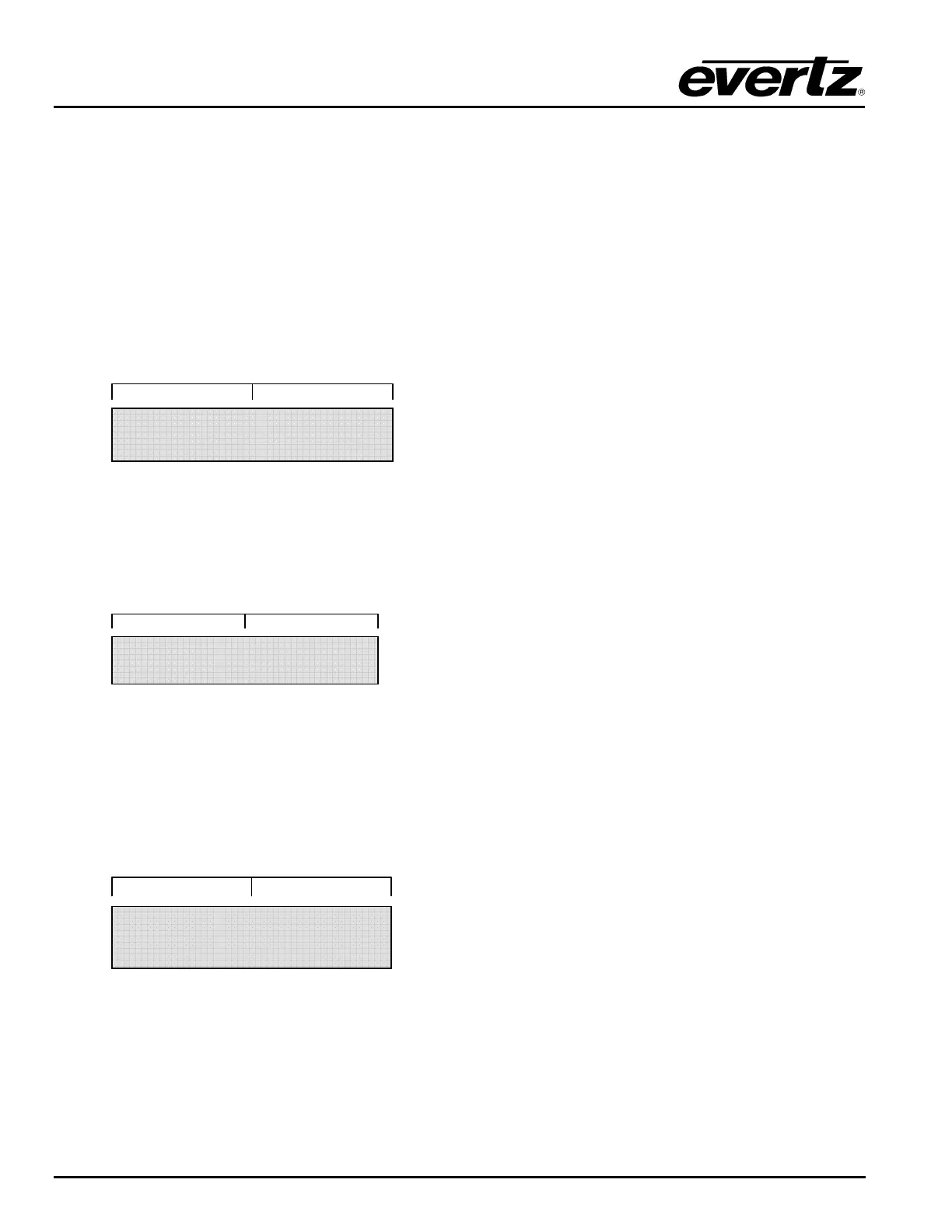
SPLIT-DISPLAY VIEW: The display screen utilizes this view only from Source Selection Mode or
Destination Selection Mode. The screen functions as a “split display” when it is idle, or after 1 second of
inactivity. In split-display view, the screen shows the 7 rightmost characters of the source name on the left-
hand side of the display and the 7 rightmost characters of the destination name on the right-hand side.
FULL-DISPLAY VIEW: The display screen can utilize this view from all modes of operation. The screen
functions as a full 16-character display when a user is actively scrolling in Source or Destination Selection
Modes, as well as when displaying a salvo name, or any level of the Configuration Menu. In full-display
view, the screen shows all 16 characters of the source/destination/salvo name, or the configuration menu
option.
NUMERIC ENTRY VIEW: The display screen can utilize this view from all modes of operation. The
screen functions only to display the numeric characters being entered when making selections using the 0-
9 keypad. When a number is manually entered from the keypad, only the number is displayed, right
justified; the rest of the screen is blank. When the user has entered the full 1 or 2 digit number, they can
finalize their selection by pressing [ENTER] and move to the subsequent selection display. If the user fails
to finalize their selection by pressing [ENTER], numeric entry view will timeout after 2 seconds of inactivity
and return to the previous display. Pressing any other button from numeric entry view will exit the view
without finalizing a selection.
Table 4-7 defines the function of the display more clearly for each mode of operation and the action being
performed.
TELSTAR 12
_ _ _ _ _ _ _ _ _ _ _ _ 21
STAR _ 12 _ _ _ IRD_16



 To Next Page