64
04011210
EXCELL PRECISION CO., LTD
ZSME400000003
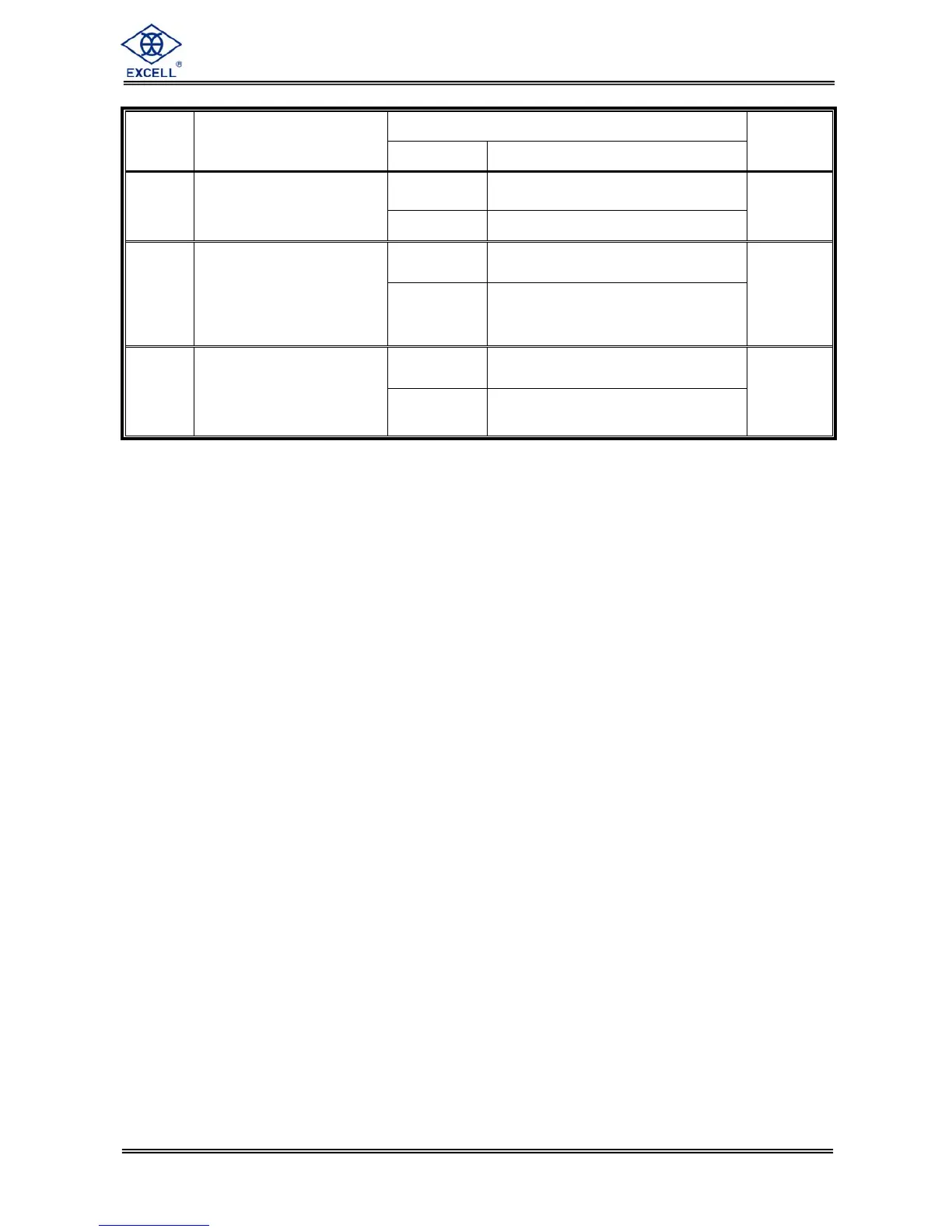
Setting value
Item Function
Parameter Description
Default
0 Disable
FNC-13 Turn-on zero setting
1 Enable
0
0
Disable all the functions under
stand-by mode
FNC-14 Stand-by mode setting
1
Only turn off display but not
disable other functions under
stand-by mode
0
0
Zero point record not saved into
EEPROM
FNC-15
Zero function record
setting
1
Zero point record saved into
EEPROM
0


 To Next Page