SSP 200 • Internal Web Page 87
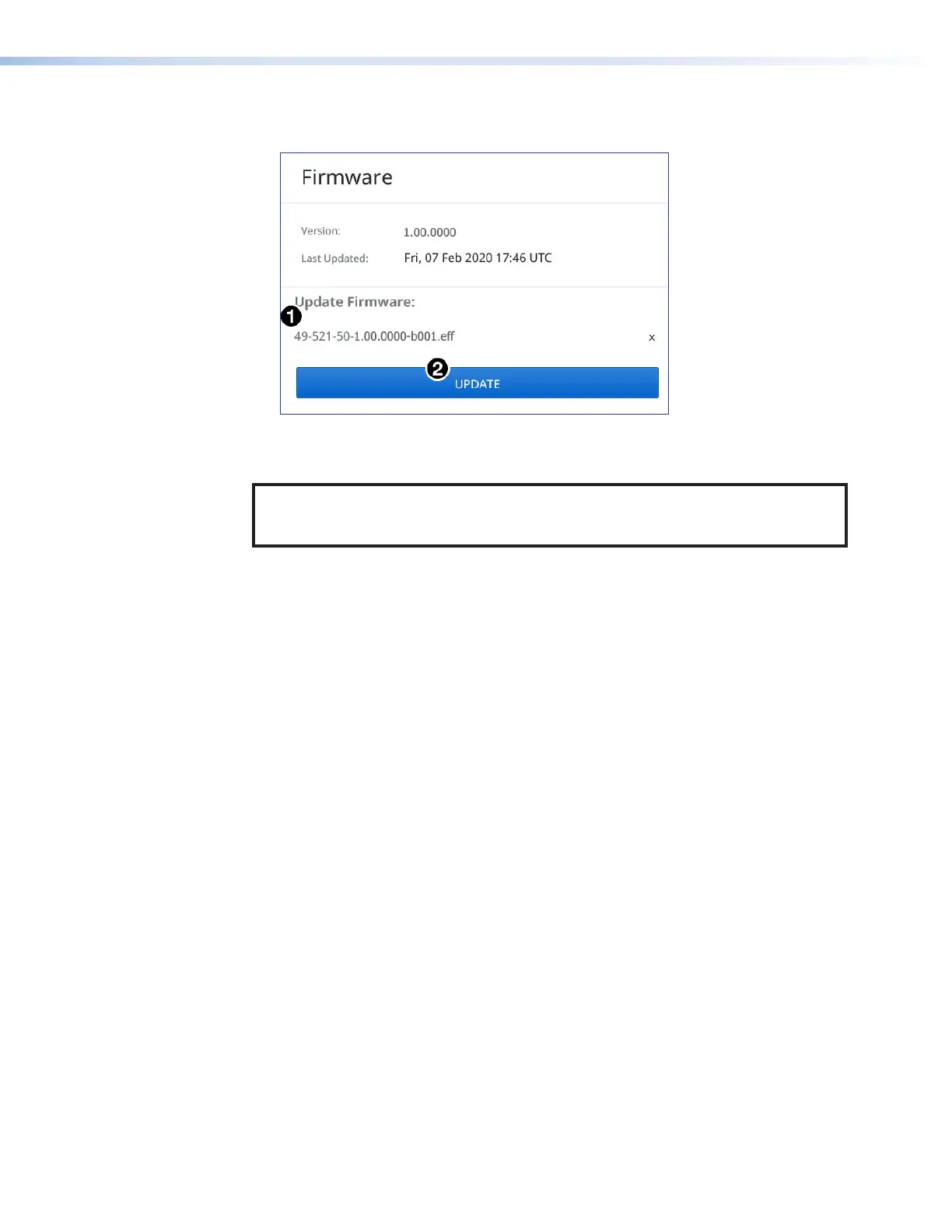
5. Click Open. The window closes and the Firmware panel opens showing the firmware
file in the file name field (see figure71,
1
).
Figure 71. Firmware Panel - Update
6. Click UPDATE (
2
). The firmware is uploaded to the connected device.
NOTE: The original factory-installed firmware is permanently available on the
SSP200. If the attempted firmware upload fails for any reason, the processor
reverts to the factory version.
71



 To Next Page