RESTRICTED USE ONLY Fargo Electronics, Inc.
HDPii High Definition Card Printer/Encoder User Guide (Rev. 1.1)
6-14
Accessing the Home page
Step Procedure
1 Open a window for your network browser application on your local PC.
2 Find the IP address of the Printer. (Note: See Accessing the IP Address as
needed to get this from the LCD of the Printer.)
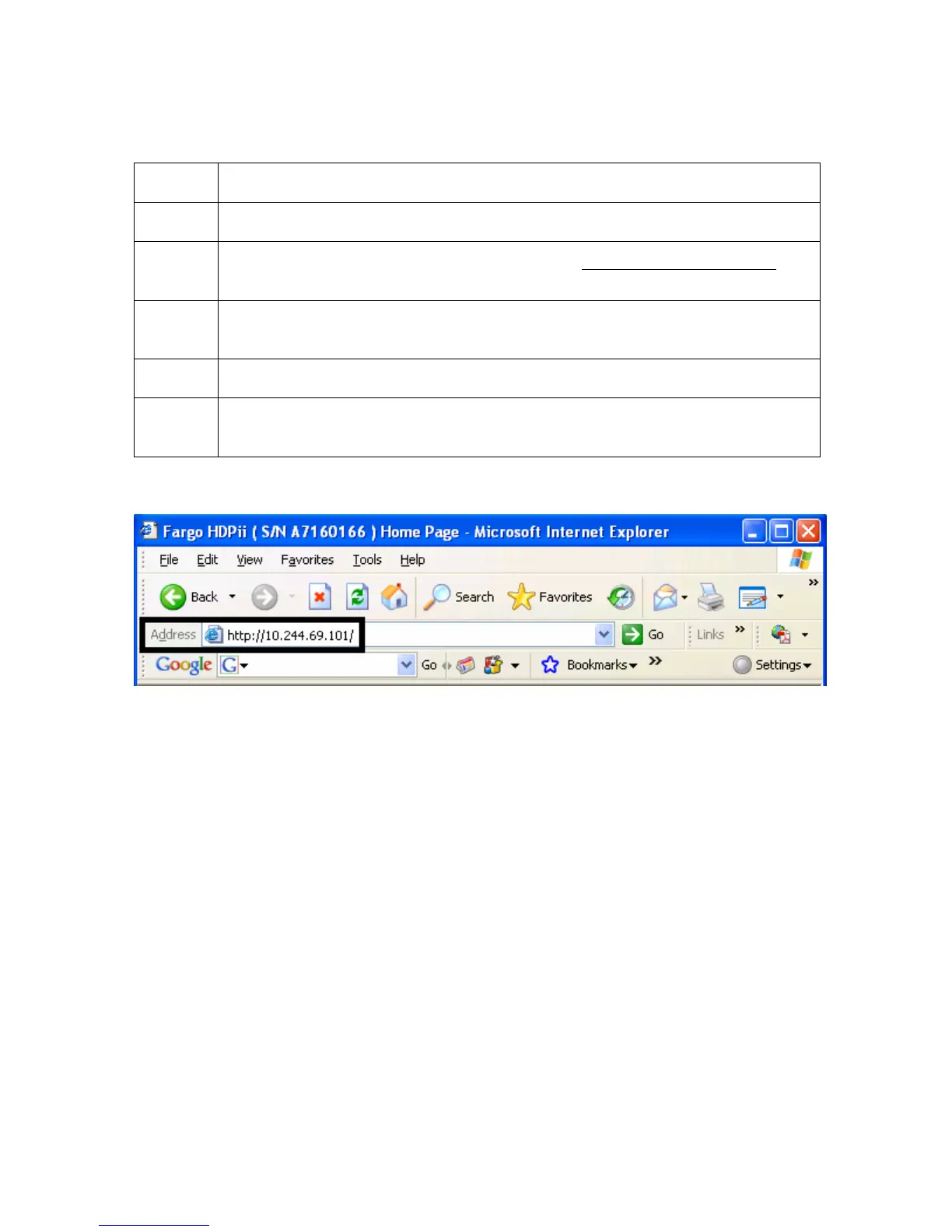
3 Enter the IP address of the Printer you want to access into the address bar of
the browser. (Note: The IP address will change for your printer installation.)
4 Press Enter or click on GO.
5 View the Home page. The Home Page displays general information about
the Printer. See the next page.
Display A – See Procedural Steps 2 and 3 (above)












 To Next Page