RESTRICTED USE ONLY Fargo Electronics, Inc.
HDPii High Definition Card Printer/Encoder User Guide (Rev. 1.1)
9-17
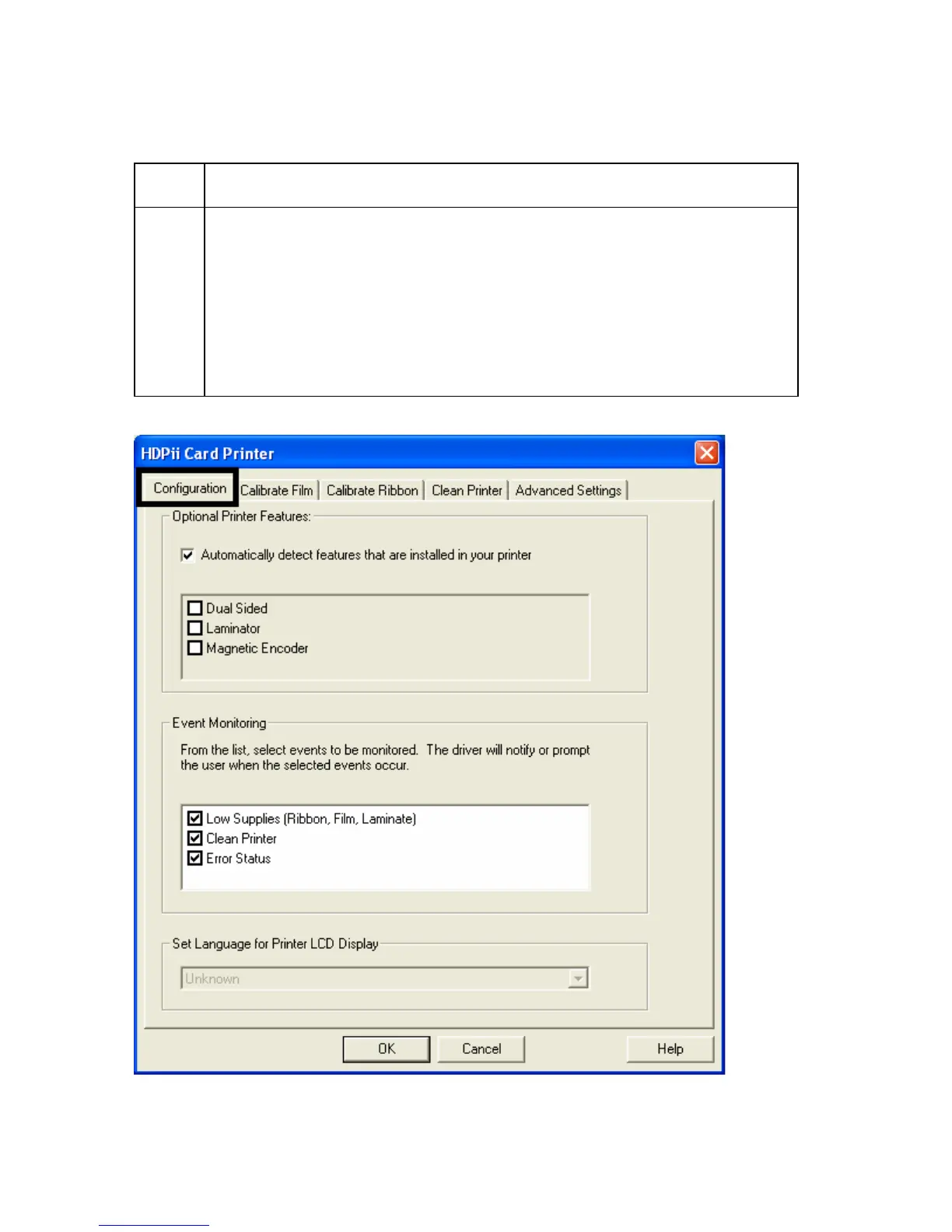
Selecting the Configuration tab
Step Procedure
1 Select the Configuration tab.
• Under Printer Features, select features by clicking on a check box or by
clicking on the Auto Select button. See instructions provided under that
heading.
• Under Event Monitoring, select events to be monitored. (Note: The
Driver will notify or prompt the User when the selected events occur.)
• Under Set Language for Printer LCD Display, select a language.












 To Next Page