RESTRICTED USE ONLY Fargo Electronics, Inc.
HDPii High Definition Card Printer/Encoder User Guide (Rev. 1.1)
3-7
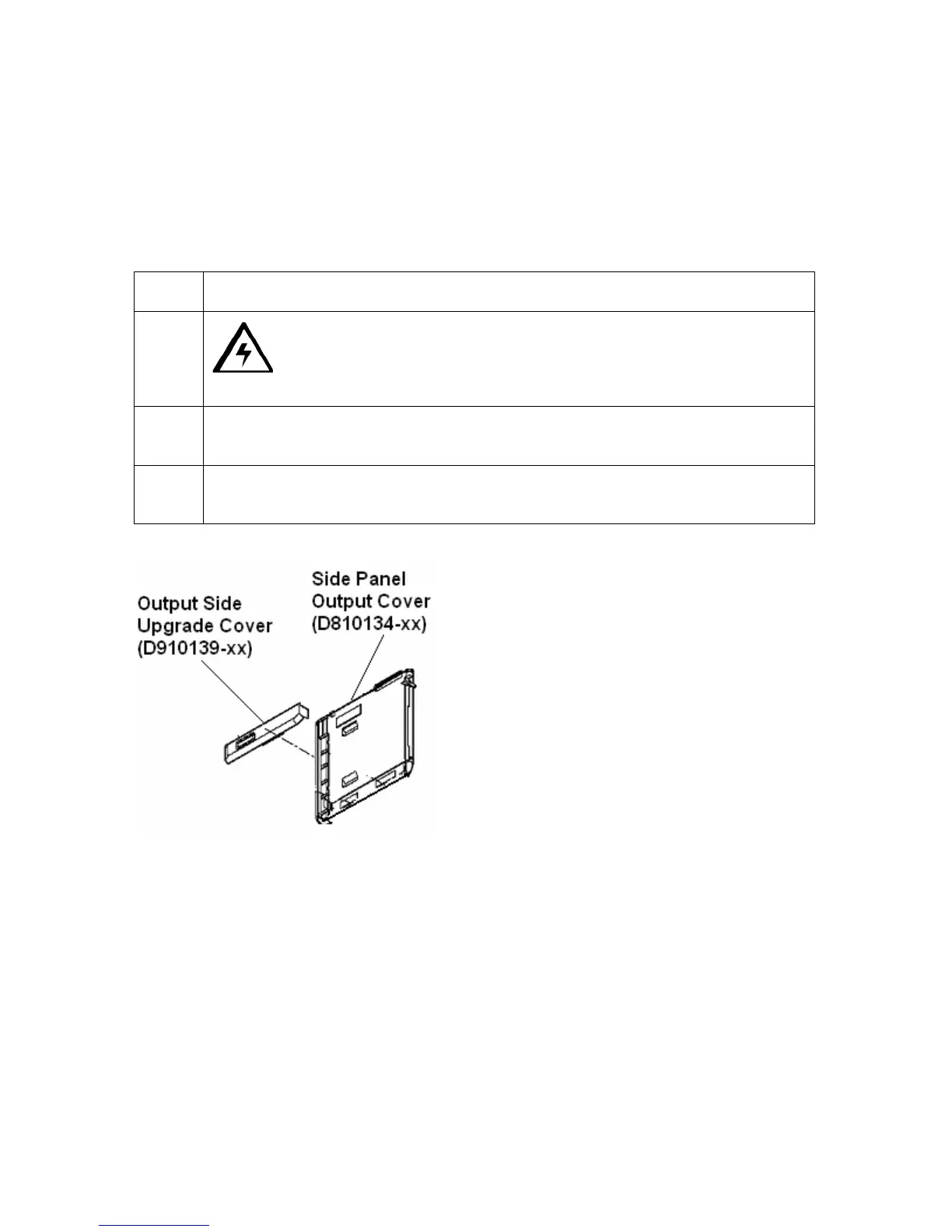
Removing the Output Side Upgrade Cover (if applicable)
Tools needed: Press the Release tab with a flat blade. Use the Snap and Clip process.
Estimated Repair Time: 1 minute
Important: This procedure only applies if the Printer comes equipped with the Output Side
Upgrade Cover (D910139-XX).
Step Procedure
1
Caution: Power off the Printer by unplugging the power cord from
the Printer.
2 Press the release tab in back while simultaneously pulling at the center of the
bottom edge.
3 Reverse instructions to re-assemble. Leave it off if your Printer is upgraded for
the Output.












 To Next Page