RESTRICTED USE ONLY Fargo Electronics, Inc.
HDPii High Definition Card Printer/Encoder User Guide (Rev. 1.1)
6-48
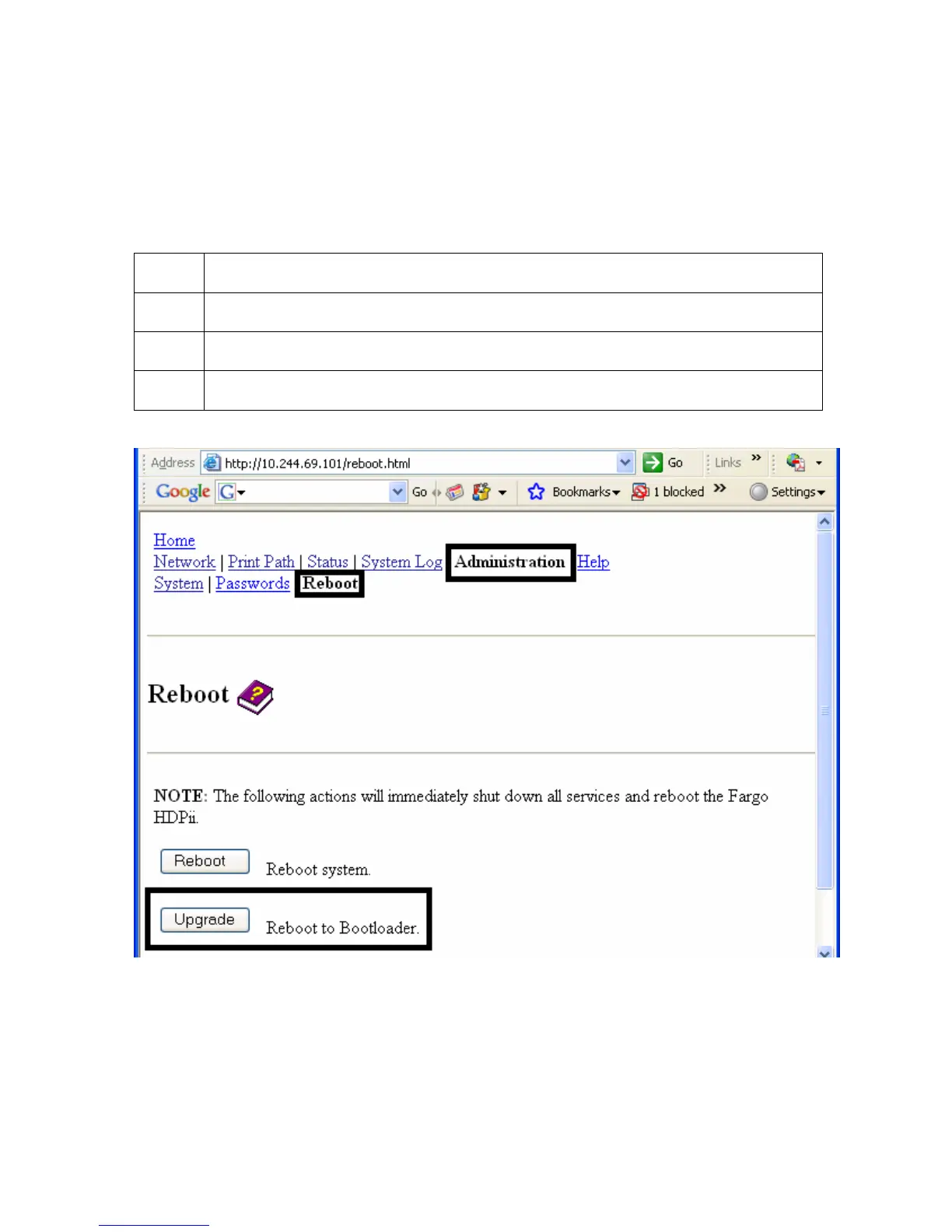
Upgrading the Main Firmware
The Upgrade page allows the User to upload new Firmware to the Printer. For the
Printer/encoder, this Upgrade page provides for upgrading the main Printer Firmware which
includes the Print Server Firmware.
It is only available to the after the Printer has been rebooted into the upgrade mode.
Step Procedure
1 Select the Administration link.
2 Go to Step 7 if the Upgrade link is shown.
3 Select the Reboot link if the Upgrade link is not shown.












 To Next Page