RESTRICTED USE ONLY Fargo Electronics, Inc.
HDPii High Definition Card Printer/Encoder User Guide (Rev. 1.1)
3-17
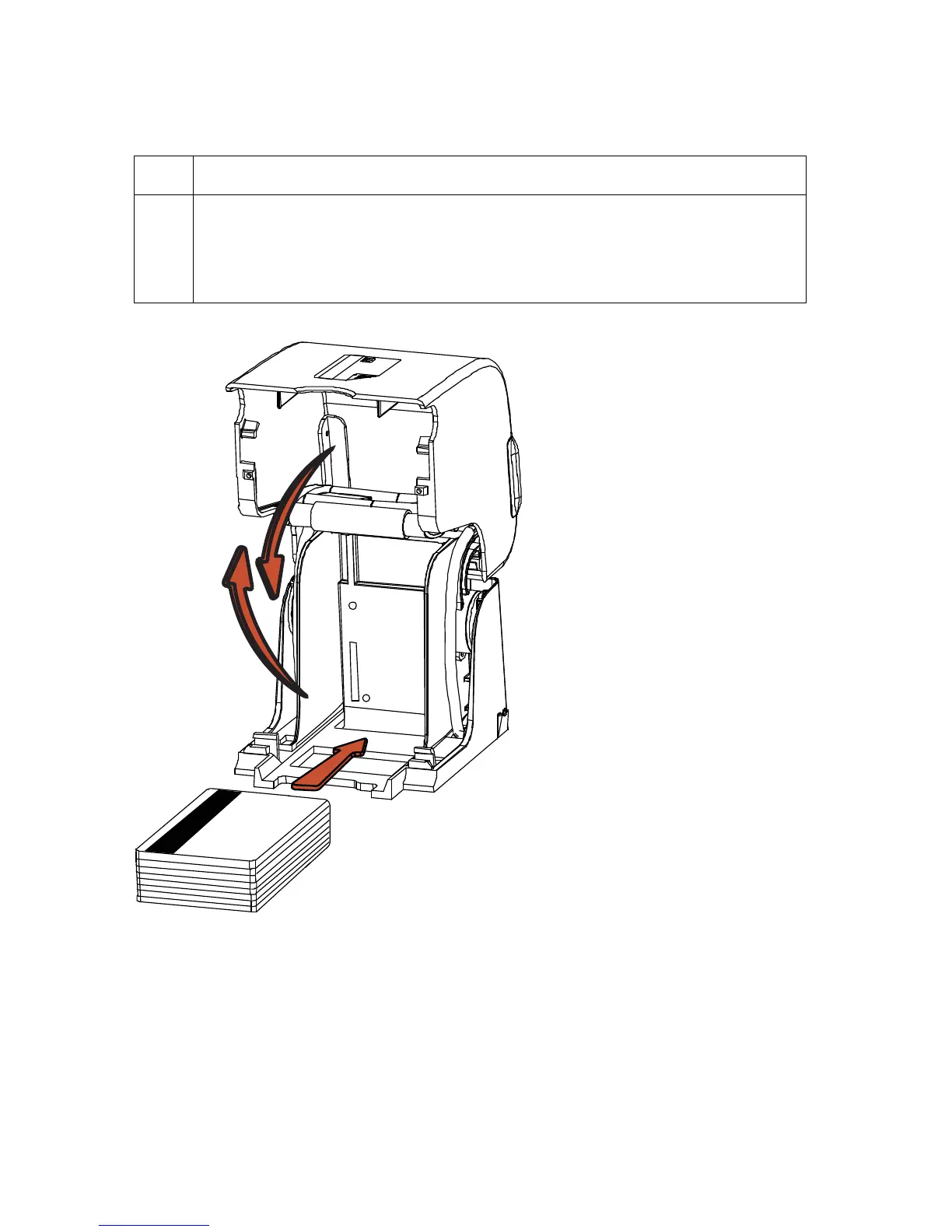
Loading the Blank Cards
Step Procedure
1 Load the blank cards into the Card Cartridge, as shown below.
Important: The front of the card must face DOWN. The back of the card
or the magnetic stripe on the card must face UP. The Smart Chip is
loaded on the bottom.












 To Next Page