RESTRICTED USE ONLY Fargo Electronics, Inc.
HDPii High Definition Card Printer/Encoder User Guide (Rev. 1.1)
7-24
Detecting Supplies at Print Time Function
Step Procedure
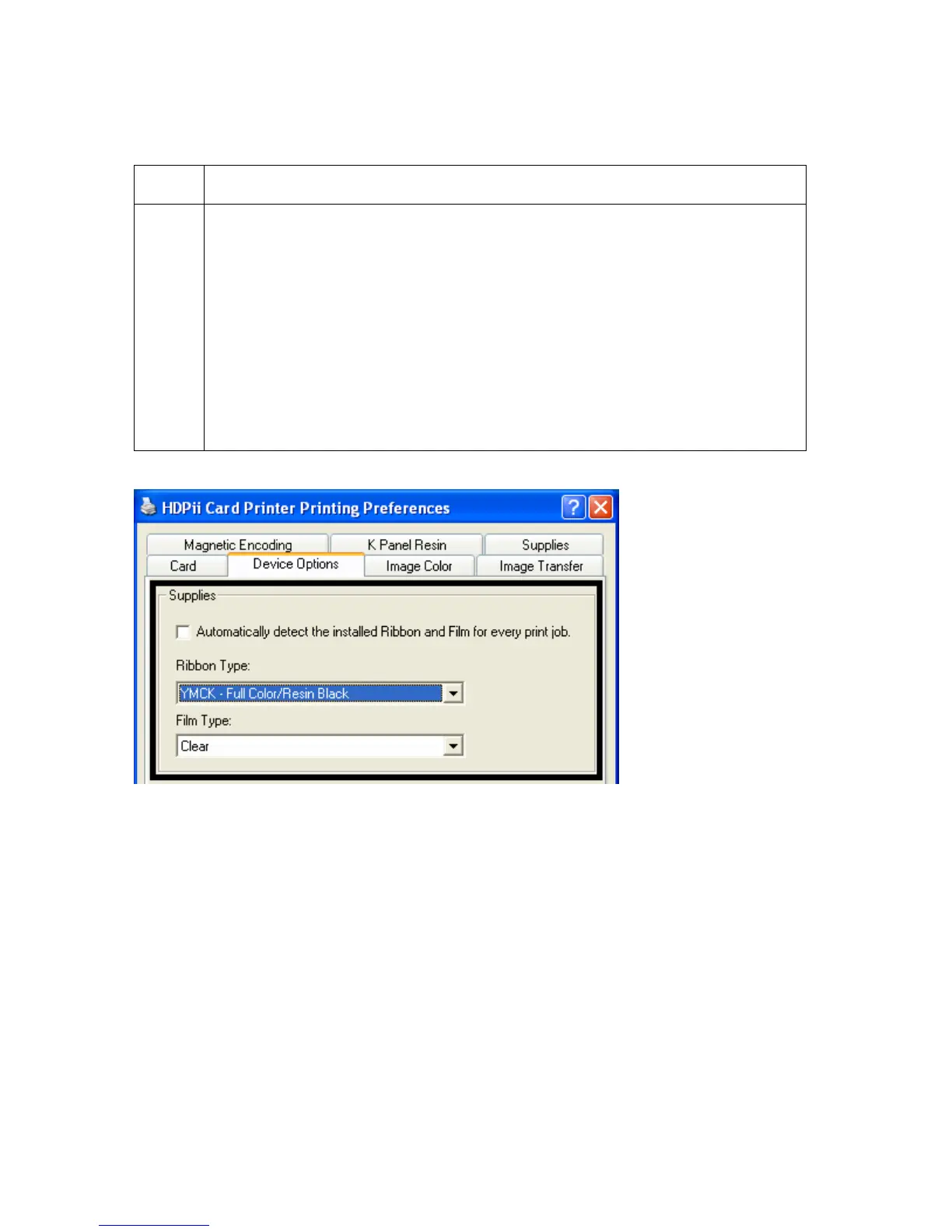
1 Use the Supplies checkbox for auto detection of the consumables, which are
the Ribbon. See below.
• In the Firmware, the values (representing the installed Ribbon and
installed Transfer Film) are updated on initialization (including each time
the cover is closed).
• The Firmware compares the Ribbon values in the PRN file to the values
(it holds regarding the currently installed consumables).
If the values do not match, the LCD displays Wrong Ribbon Error or Wrong
Film Error and the Driver returns the corresponding error message. See
below.












 To Next Page