RESTRICTED USE ONLY Fargo Electronics, Inc.
HDPii High Definition Card Printer/Encoder User Guide (Rev. 1.1)
6-57
Upgrading the Main Firmware with the Fargo
Workbench Printer Utility
The Main Printer Firmware upgrades are done with the same procedure as the USB-
connected Printer.
• The PC doing the upgrade must have a Driver installed for the Fargo Printer to be
upgraded.
• Alternatively, a User can upgrade the Main Printer Firmware by using the Upgrade web
page.
Step Procedure
1 Run the Fargo Workbench Printer Utility by selecting from the start menu the
following:
Start -> Programs -> Fargo -> Fargo Workbench Printer Utility -> Fargo
Workbench
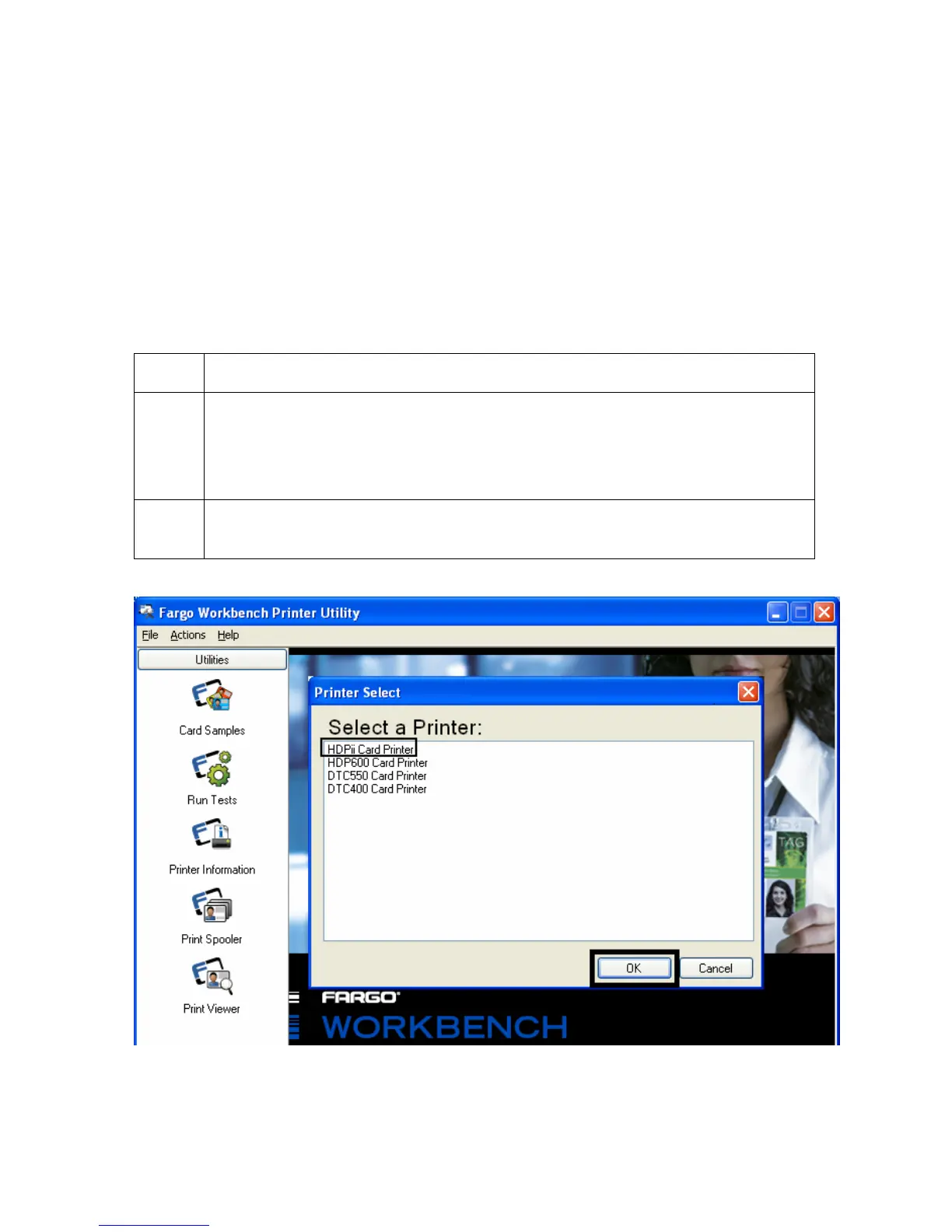
2 Click on Actions > Select Printer in the Menu Bar to bring up the Printer
Select dialog, as shown below.












 To Next Page