RESTRICTED USE ONLY Fargo Electronics, Inc.
HDPii High Definition Card Printer/Encoder User Guide (Rev. 1.1)
6-55
Using the Print Path page (continued)
Step Procedure
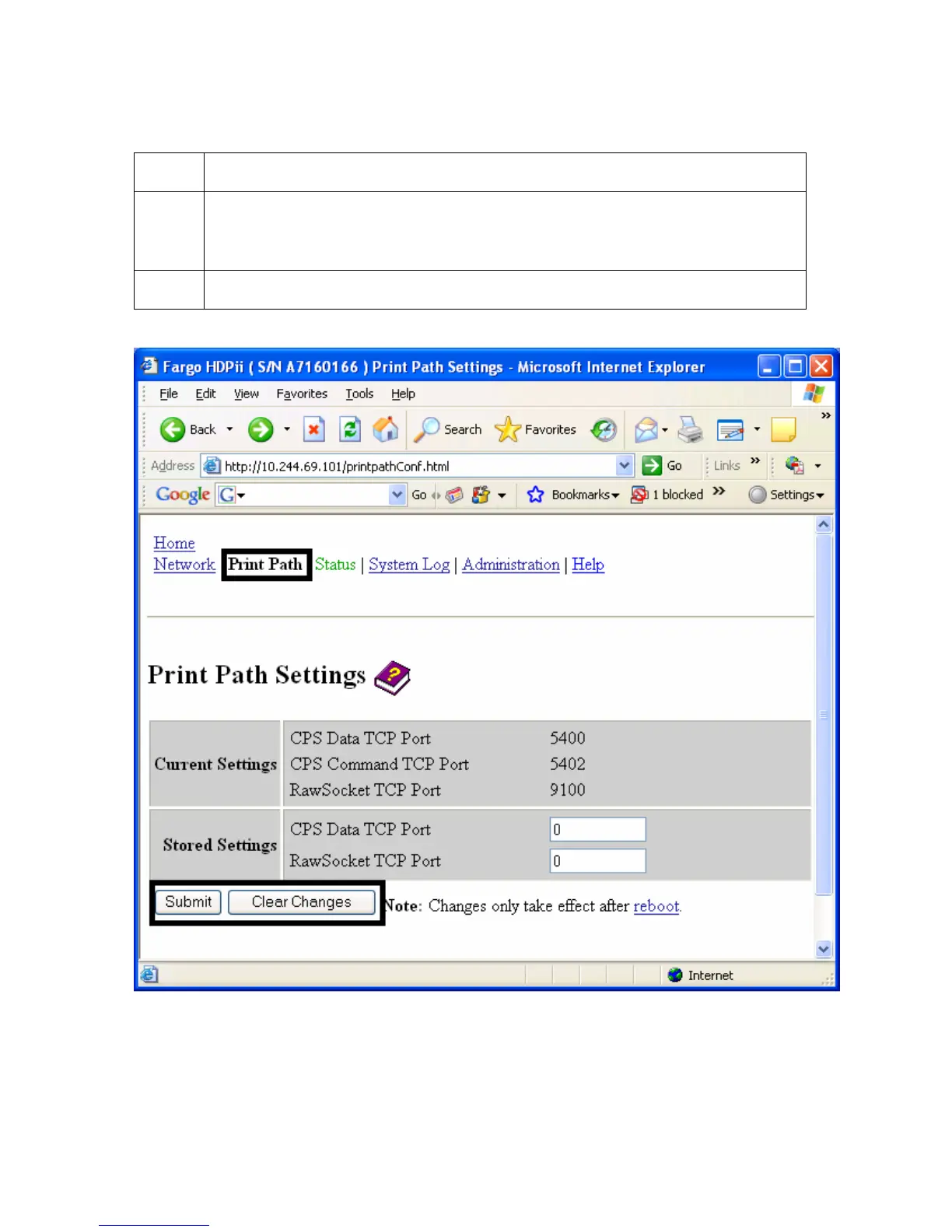
4 Select the Submit button to save these changes to stored settings in the
memory of the Printer. (Note: These settings will not be lost if the power is
removed from the Printer.)
5 Select the Clear Changes button to delete these changes from this page.












 To Next Page