RESTRICTED USE ONLY Fargo Electronics, Inc.
HDPii High Definition Card Printer/Encoder User Guide (Rev. 1.1)
2-9
Technical Specifications (continued)
Term Description
Card Size
(Custom
selection)
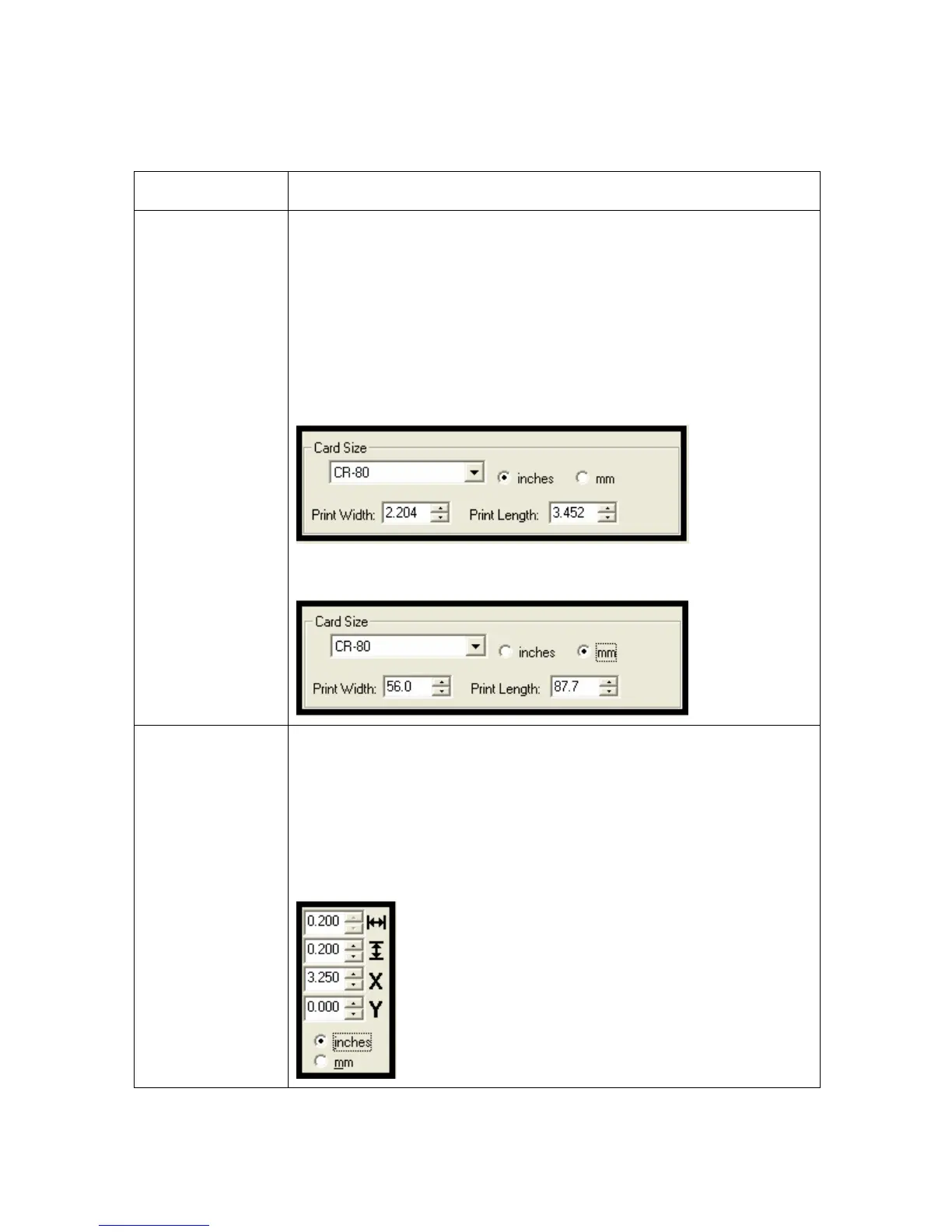
Sets Custom Card Size when closing dialog box.
• Print Width default = 2.204, upper limit = 2.440, lower limit =
1.000, cannot be null
• Print Length default = 3.452, upper limit = 3.704, lower limit =
3.000, cannot be null
Changing back to CR-80 resets to CR-80 defaults.
Custom Card Size in inches (Printer Driver > Card tab)
Custom Card Size in mm (Printer Driver > Card tab)
Card Size (inches
and mm)
Choice of inches or mm changes the counter choice on the K Panel
Resin tab. See below.
• Inches displays card size in inches.
• mm displays card size in mm.
Changing Print Width or Print Length dimensions automatically
changes drop down to Custom.












 To Next Page