Partie I – Description of pump and accessories
17
Pump component identification
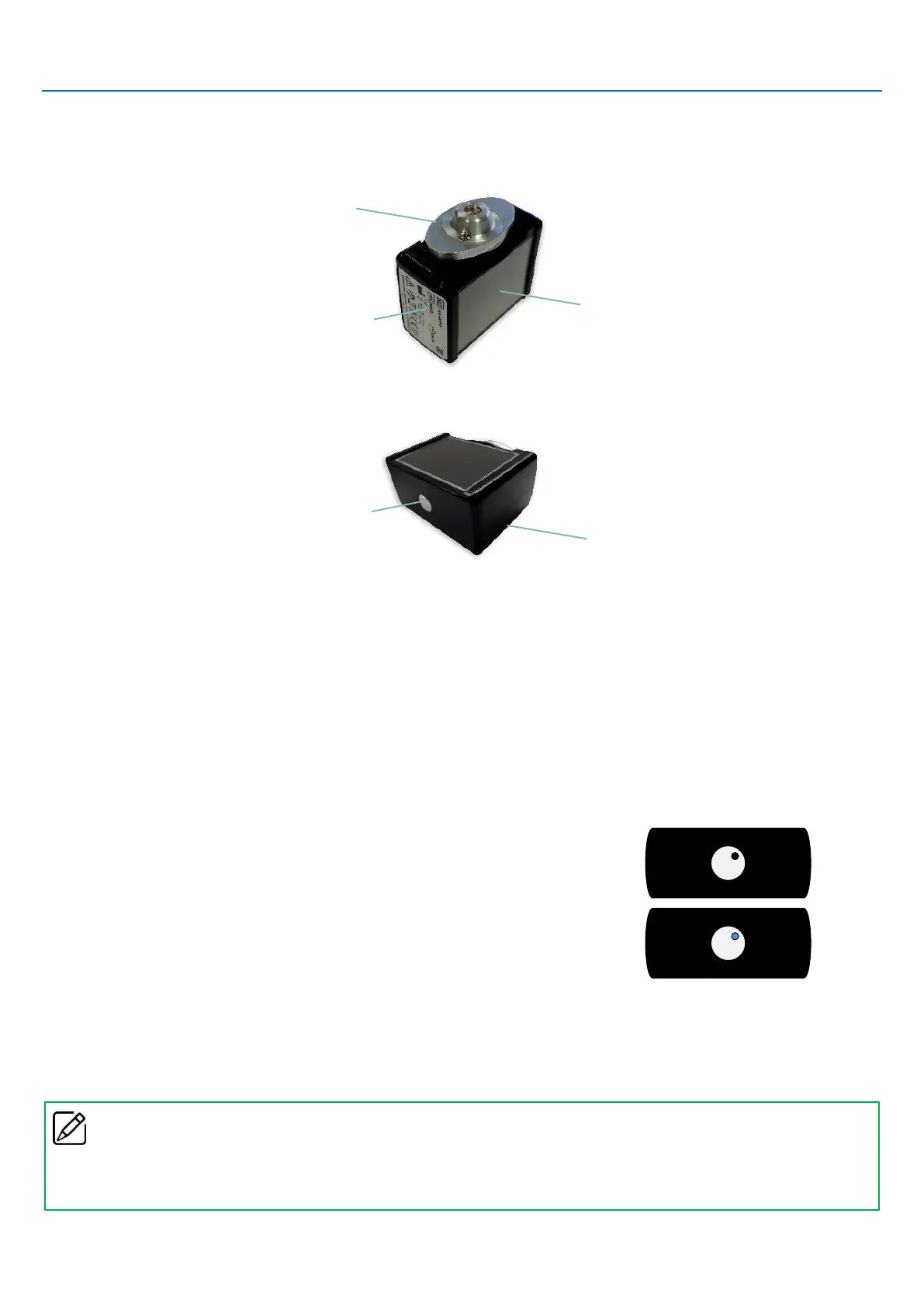
The images below show the most important components of the SO
♥
CONNECT PID pump.
▪ ON/OFF button
The ON/OFF button is used to switch the screen on and off.
▪ Pump status indicator
The ON/OFF button incorporates an indicator light that immediately shows the pump operating status.
o Light off: the SO
♥
CONNECT PID pump is on standby or not powered.
o Blue light: the SO
♥
CONNECT PID pump is active.
▪ Touchscreen
The touchscreen of the SO
♥
CONNECT PID pump allows you to set up and control the infusion. Also, the screen displays important
information about the status of the pump. If the screen is not pressed, it goes off automatically after 1 minute to save battery power.
Remark
▪
When you are not using the screen, you can press on the ON/OFF button to turn it off without waiting for it to turn off automatically
and thus save battery power.



 To Next Page