Partie III – Pump programming
24
Password entry
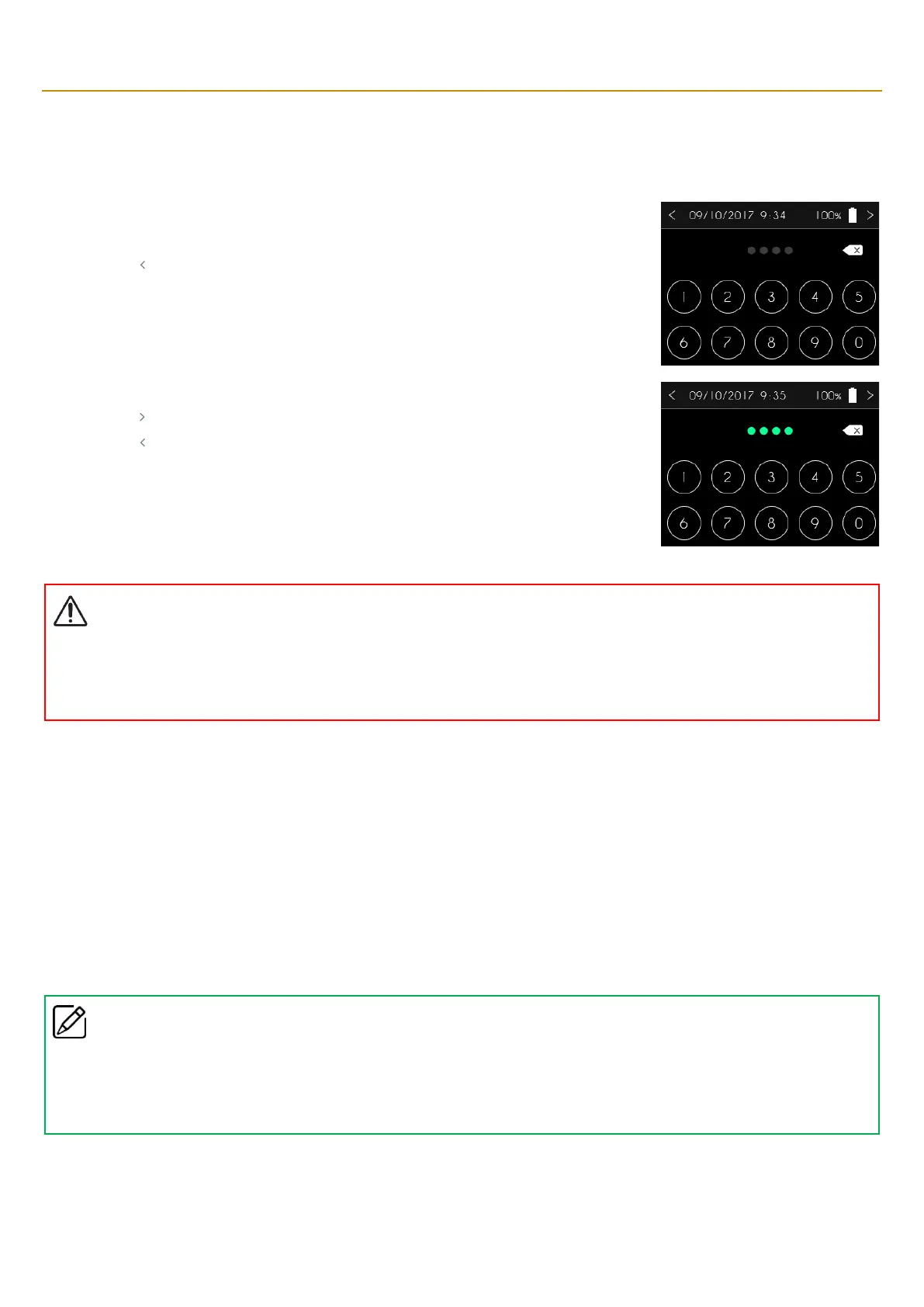
Access to the functions reserved for medical personnel is only possible after they enter a password.
The SO
♥
CONNECT PID pump displays the numeric keypad for entering the password.
▪ Press “ ” to return to the previous screen.
▪ If you make a mistake, you can use “” to erase the digits.
▪ Use the keypad to enter the password.
▪ Press “ ” to confirm and go to the next screen.
▪ Press “ ” to return to the previous screen.
Warning
▪
Healthcare professionals may not disclose to the patient the passwords or any other information likely to enable the patient to gain
access to the programming and configuration functions of the
SO
♥
CONNECT PID
pump
.
Incorrect programming may cause
serious injury to the patient.
Setting up the pump
The SO
♥
CONNECT PID pump gives you the possibility to make several settings:
▪ time,
▪ date,
▪ date display format,
▪ display language.
You can also view the version of the internal software of the SO
♥
CONNECT PID pump.
Comments
▪
The different settings of the
SO
♥
CONNECT PID
pump are not available during an infusion.
▪
A change to any of the settings is applied immediately by the
SO
♥
CONNECT PID
pump.



 To Next Page