Partie V – Infusion
45
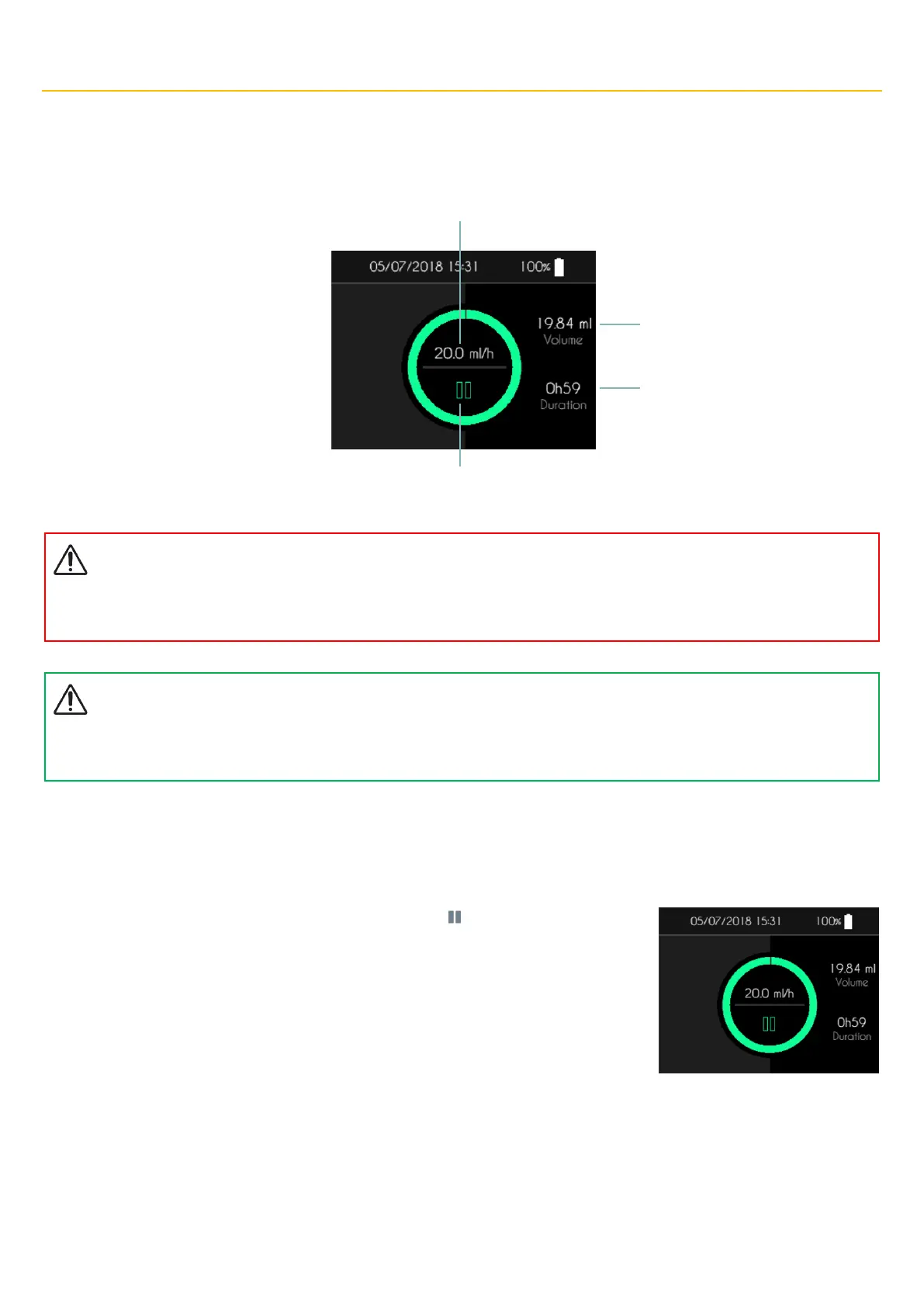
Infusion control screen
During the infusion, the SO
♥
CONNECT PID pump displays information about its status.
Warning
▪
During the infusion, check the working of the pump from time to time. If you observe any malfunctioning or poor performance,
pause the infusion and contact user support.
Comments
▪
In order to secure the use of the pump during an infusion, the supports on the various buttons must be maintained for 2 seconds
to be taken into account.
Infusion control menu
From the infusion control screen, you can access various functions grouped in an infusion control menu.
▪ When the infusion is under way, you can pause it. Press “ ” to open the infusion control
menu.



 To Next Page