Partie V – Infusion
44
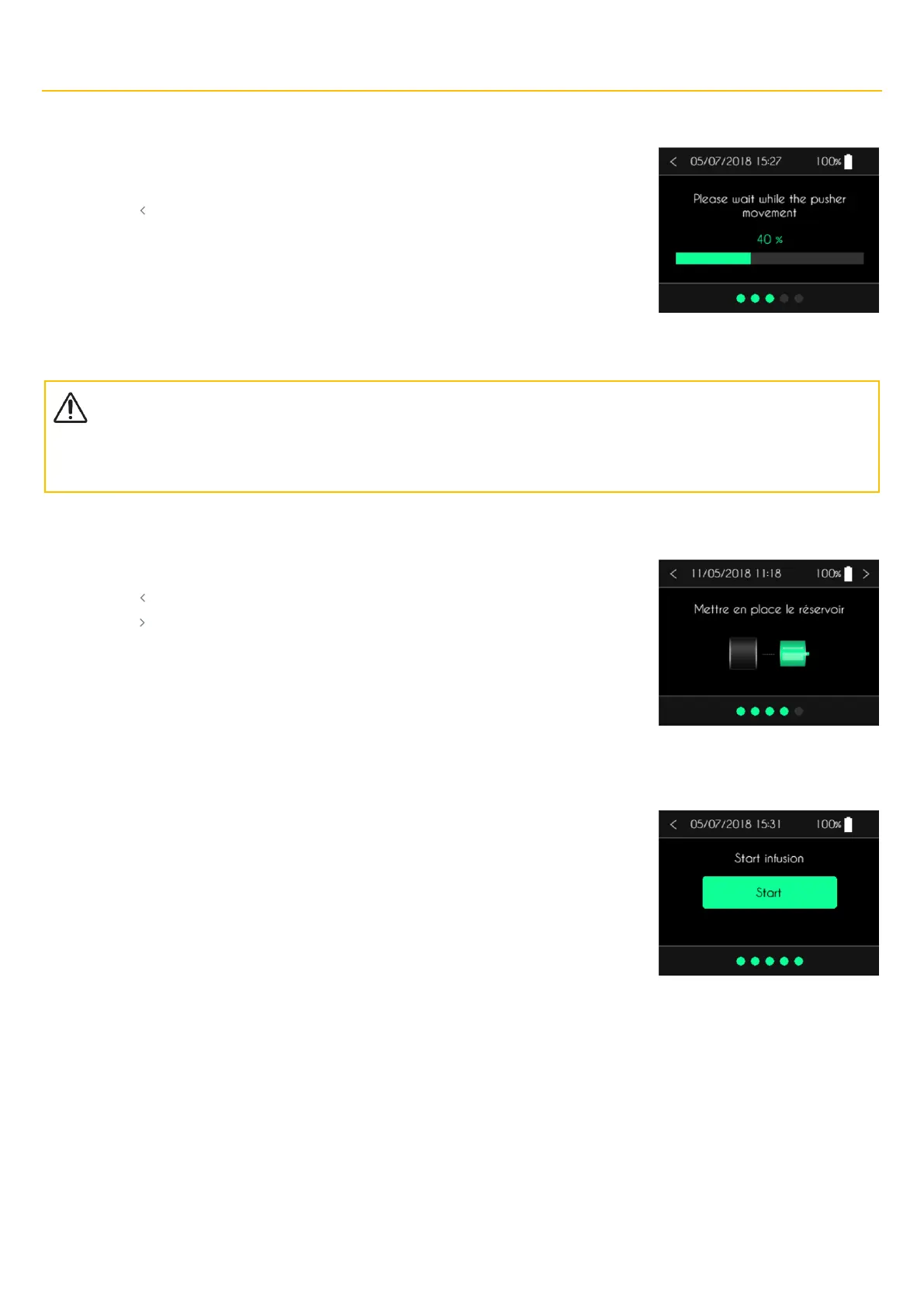
Step 3: positioning the pusher
After confirming the flow rate or the duration of the infusion, SO
♥
CONNECT PID pump positions the
pusher automatically. This operation can take several minutes.
▪ Press “ ”to return to the previous screen.
Précautions
▪
Do not block the movement of the pusher. That could cause the
SO
♥
CONNECT PID pump to malfunction and activate an occlusion
alarm.
Step 4: installing the syringe
After filling the SO
♥
FILL syringe, you can put it in place.
▪ Press “ ”to return to the previous screen.
▪ Press “ ” to go to the next screen.
Step 5: Starting the infusion
Press the Start button to start the infusion.



 To Next Page