Partie V – Infusion
43
Starting an infusion
Warning
▪
Before starting an infusion, check that the date and time are correct. The clinical datas are saved based on this information.
Precautions
▪
Do not position the syringe on the pump until it invites you to do so. This could cause the pump to malfunction and trigger an
occlusion alarm.
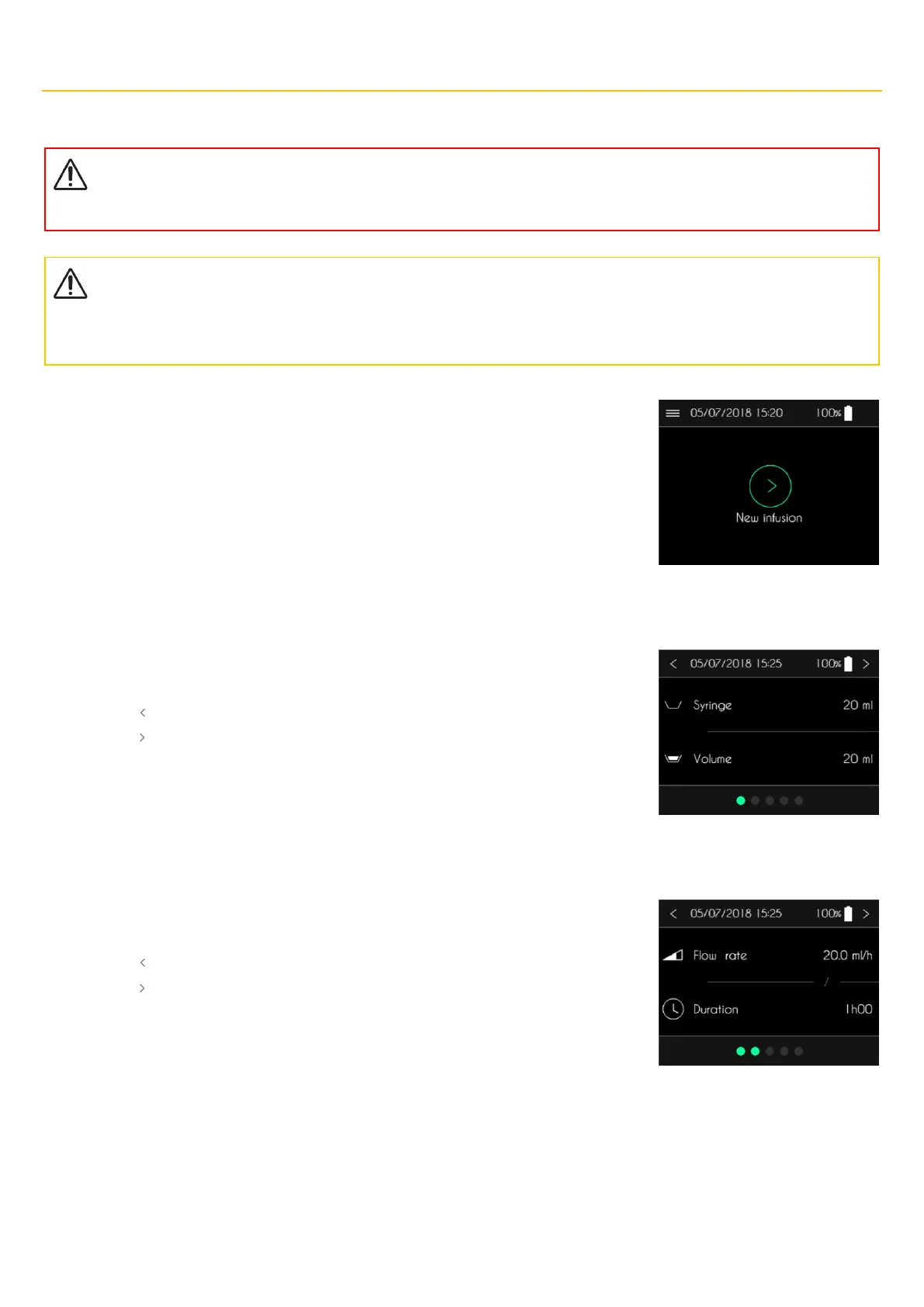
The infusion start is carried out from the main screen.
▪ Appuyez sur le bouton Nouvelle perfusion pour démarrer la perfusion.
Step 1 : syringe type and volume checking
After pressing the New infusion button, the SO
♥
CONNECT PID pump displays the syringe type and
the unit.
▪ Press “ ”to return to the main screen.
▪ Press “ ” to go to the next screen.
Step 2: flow rate or duration checking
After confirming the patient information, the SO
♥
CONNECT PID pump displays the flow rate and
the duration of the infusion.
▪ Press “ ”to return to the previous screen.
▪ Press “ ” to go to the next screen.



 To Next Page