Partie V – Infusion
48
Modifying the infusion rates – Function reserved to medical staff
Warning
▪
The functions described in this chapter should only be used by trained medical personnel when using the pump. The use of these
functions by an untrained user can cause serious injury to the patient.
The SO
♥
CONNECT PID pump makes it possible to adjust the infusion rate during infusion.
SO
♥
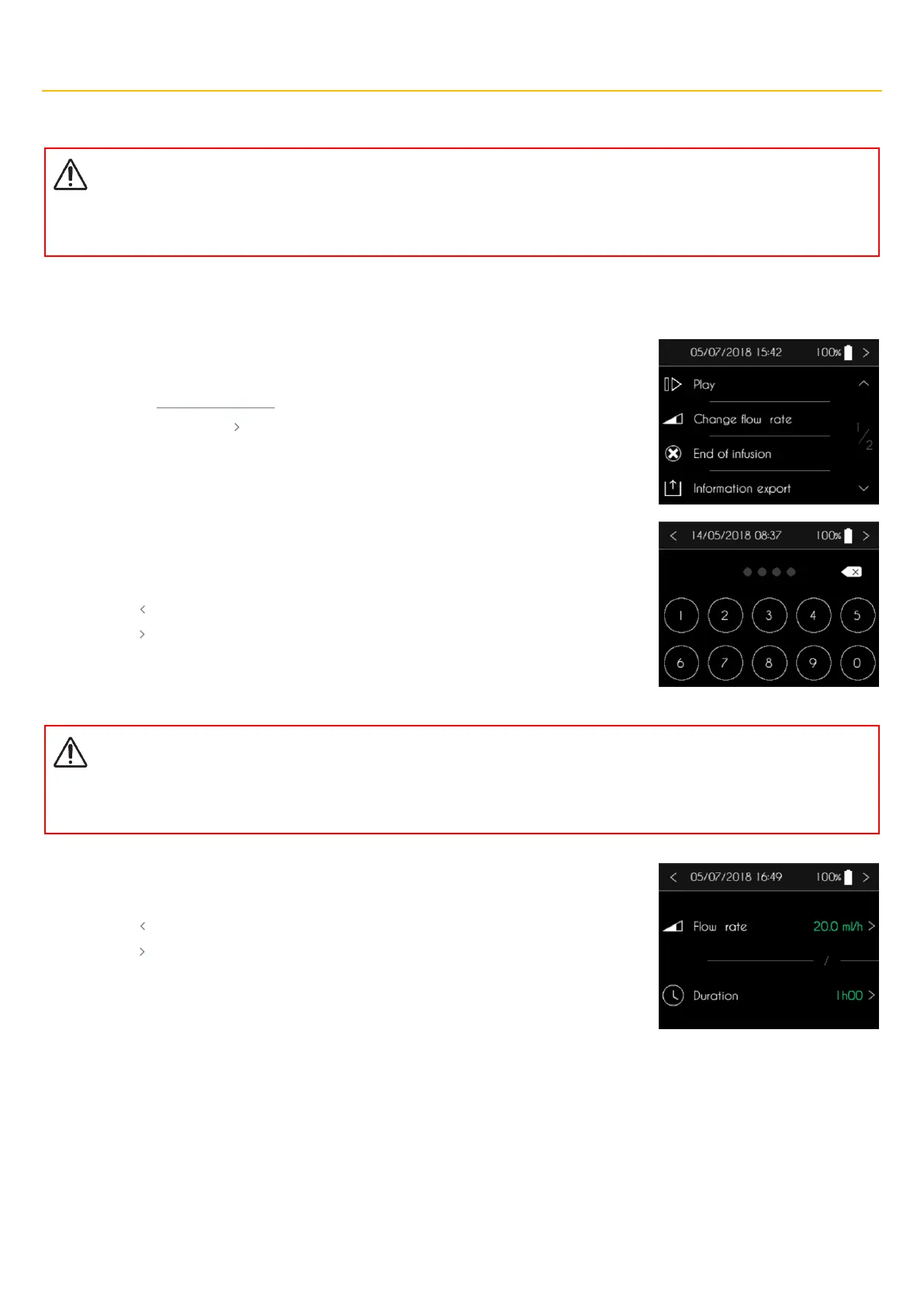
CONNECT PID affiche la page 1/2 du menu de contrôle de la perfusion.
▪ Appuyez, pendant 2 secondes, sur Modifier débits.
▪ Appuyez sur le bouton pour revenir à l’écran de perfusion.
The SO
♥
CONNECT PID pump displays a numeric keypad to enter the password.
▪ Use the keypad to enter the password.
▪ Press “” to delete entered characters.
▪ Press “ ” to cancel and return to the infusion control screen.
▪ Press “ ” to confirm and access to the flow rate and duration screen.
Warning
▪
After entering and validating the password, the infusion is automatically paused. At the end of the flow rate modification, remember
to restart the infusion.
The SO
♥
CONNECT PID pump displays the screen to modify the flow rate or the duration of the
infusion.
▪ Press “ ” to cancel and return to the infusion control screen.
▪ Press “ ” to confirm and return to the infusion control screen.



 To Next Page