Partie II – Starting the pump
21
Battery charging
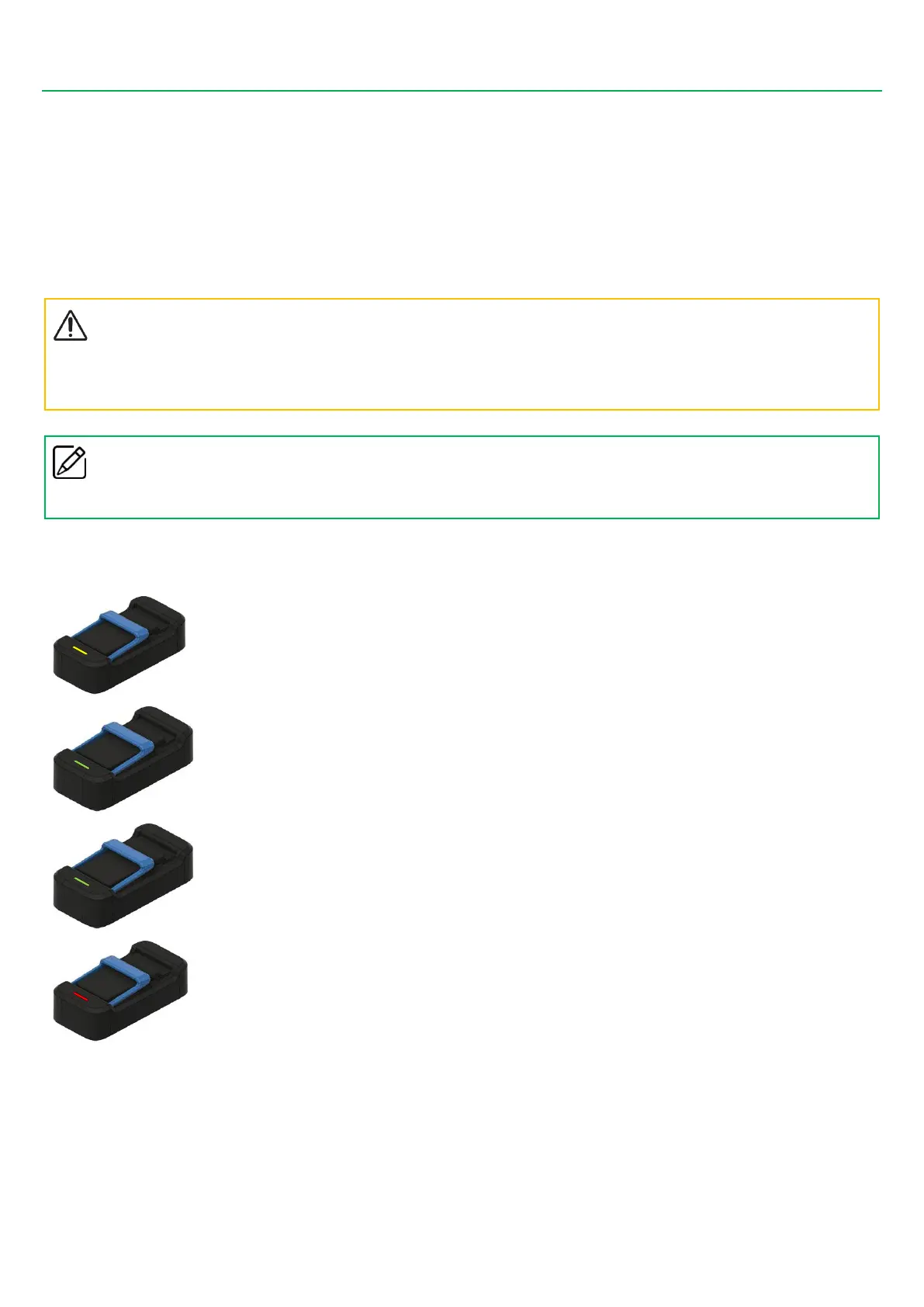
When you need to recharge a battery, please follow the instructions below:
▪ First connect the power cord to the charger, then to the power socket.
▪ Insert the battery in the charger. The battery label must be turned towards the front of the charger.
▪ If a problem occurs during charging, disconnect the charger from the wall socket immediately in order to stop the power supply.
▪ Do not place the charger in areas that are very hot or cold, dusty or dirty, humid or subject to heavy vibrations.
Precautions
▪
Make sure you always use the battery charger supplied with the
SO
♥
CONNECT PID
pump only. Using another type of charger
may damage the battery.



 To Next Page