Revised 09.15.11 Proteus A3/125 Technical Service Manual
8
Replace Control PCB
1 Place the Housing Cover face down on soft surface.
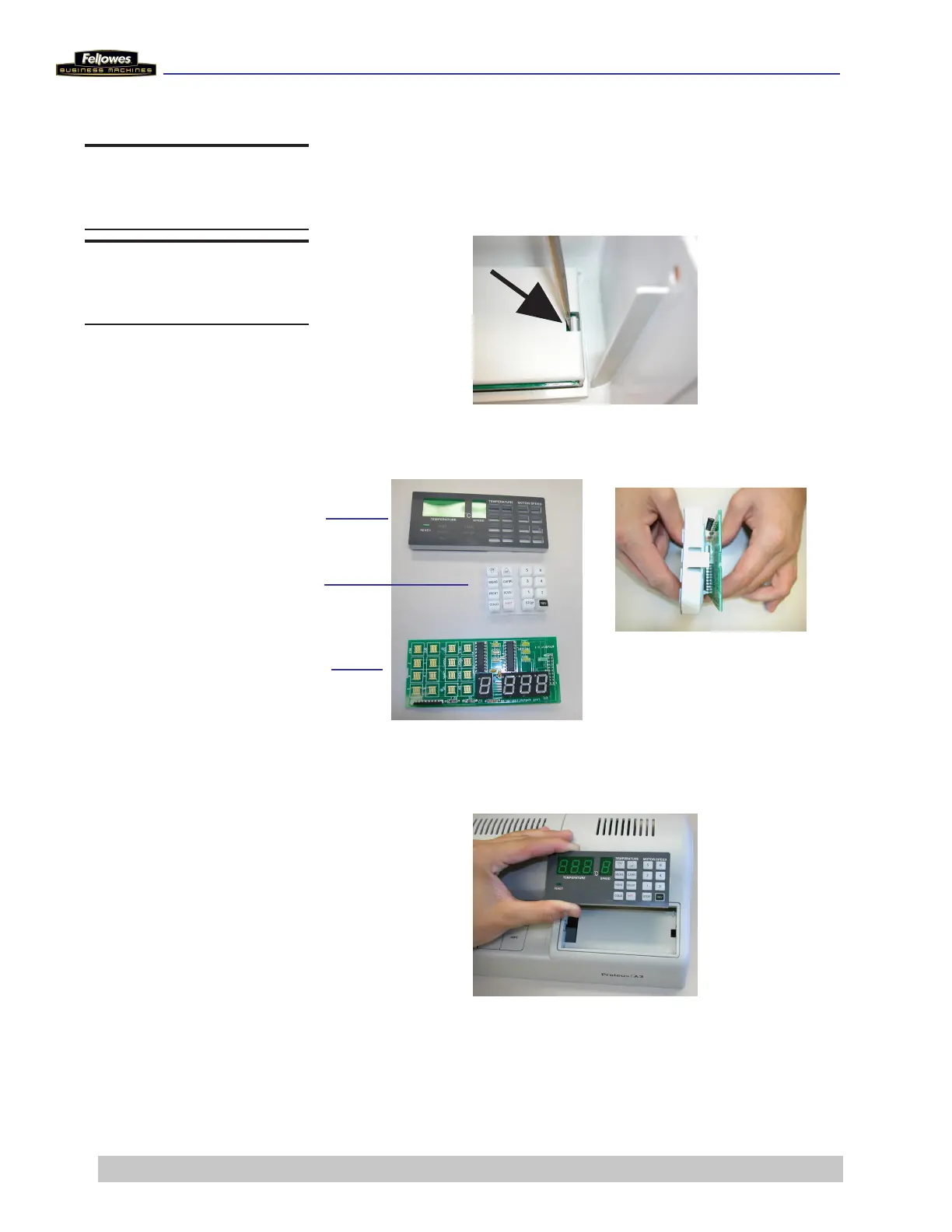
2 Push in and down on the mounting tabs (one on each
side) on the Control PCB Fixing Panel.
3 Pull out on mounting tabs to separate the Control PCB,
Keypad, and Fixing Panel.
4 Push the new Control PCB in to the housing cover. The
tabs lock into position when properly in place.
Control PCB Fixing Panel
Keypad
Control PCB
DO THIS FIRST
Remove Housing Cover
TOOLS
Phillips screwdriver











 To Next Page