Proteus A3/125 Technical Service Manual Revised 09.15.11
23
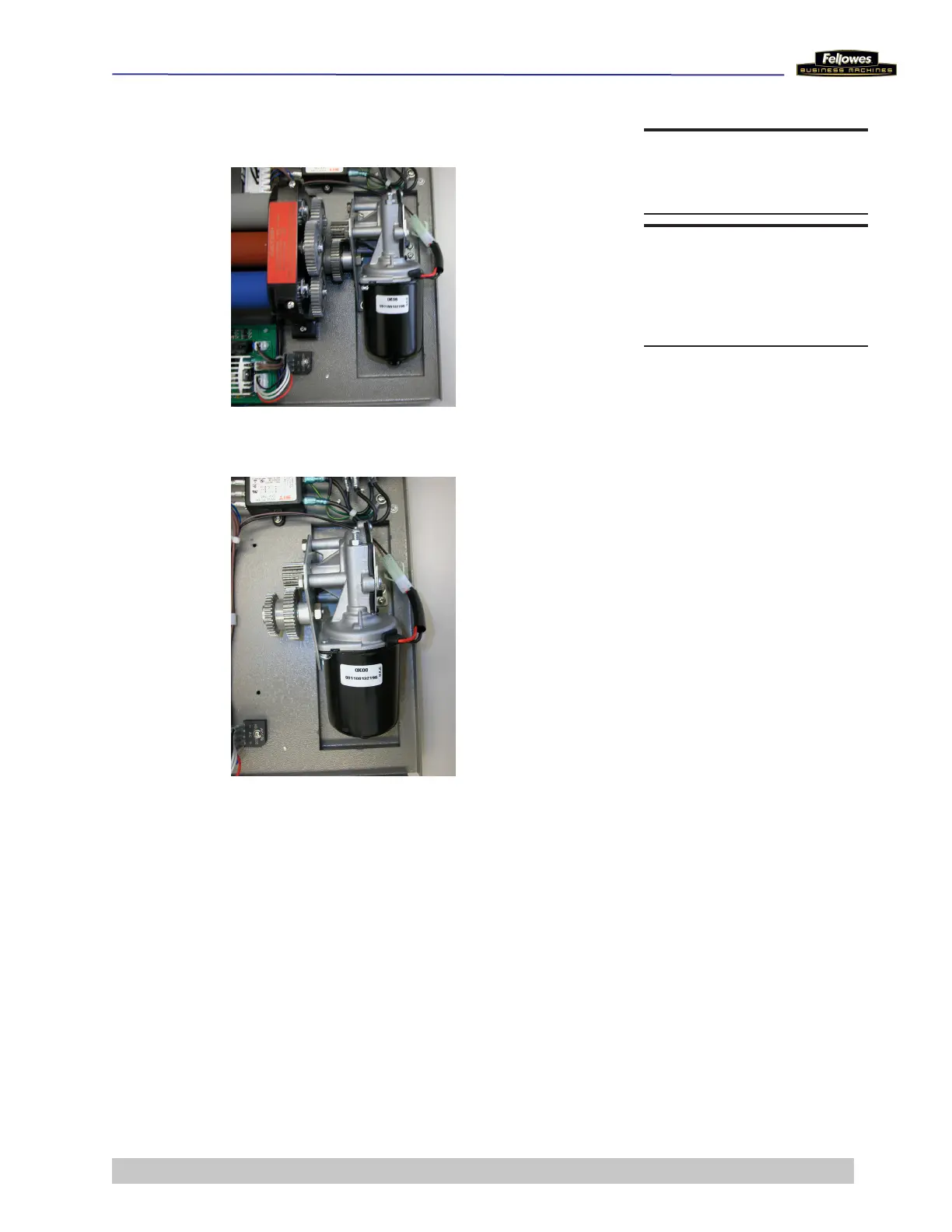
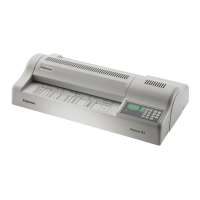
Remove/Replace Motor
1 Disconnect wire connector from connector to
Main PCB.
2 Remove 2 screws on Motor/Gear Fixing Mat
(motor left side).
Note: The 2 screws have a washer head. Be sure to
use these screws on this Mat.
3 Remove 2 screws Motor Fixing Mat (motor right
side).
Note: The 2 screws each have a lock washer and a
at washer. Be sure to use these screw on this Mat.
4 Place new Motor and secure it with the 4 screws.
5 Reattach connector to Main PCB.
DO THIS FIRST
Remove Housing Cover
TOOLS
Long nose pliers
Phillips screwdriver











 To Next Page