Proteus A3/125 Technical Service Manual Revised 09.15.11
3
Speed and Motor Controls
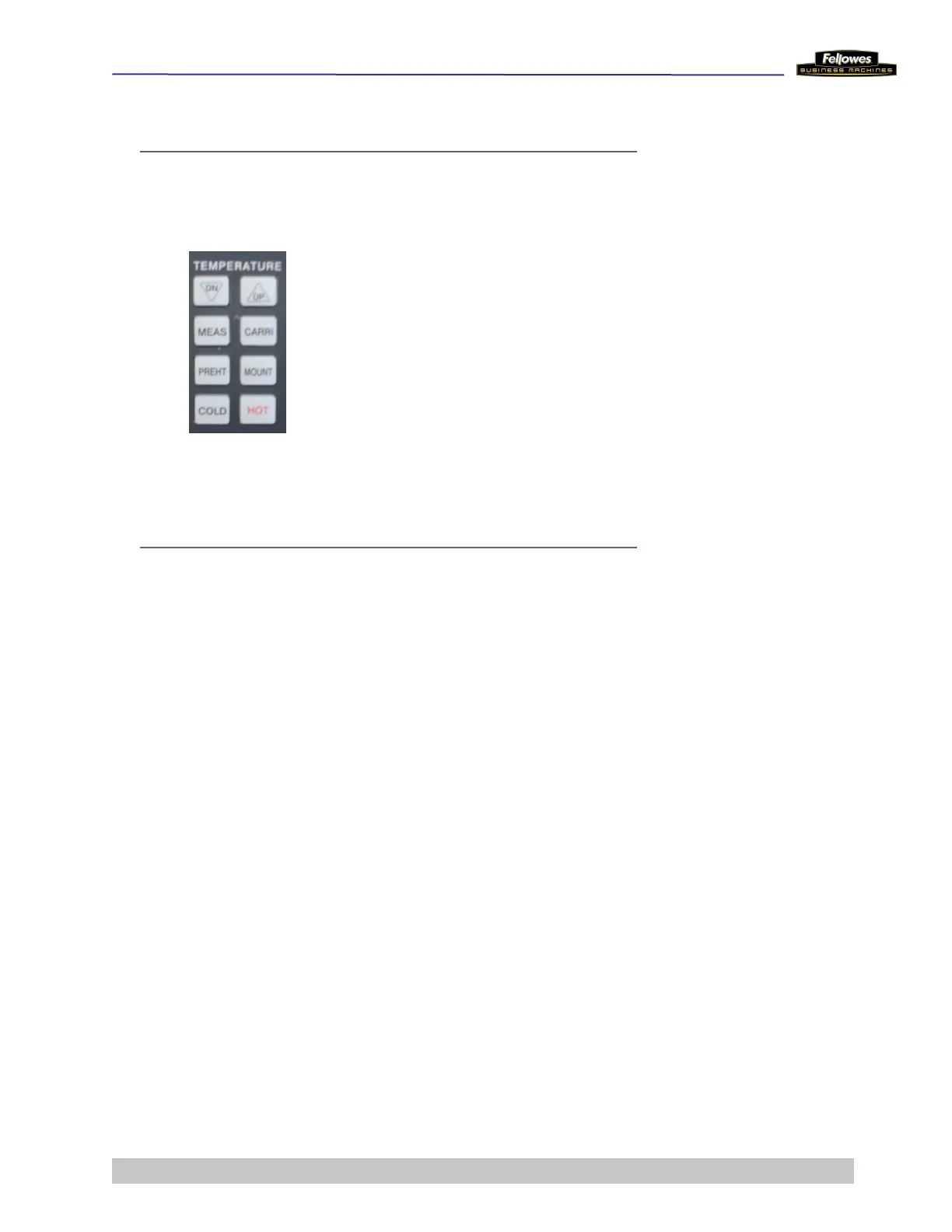
DN/UP - Adjusts the roller temperature to
match the thickness of laminating stock
MEAS - Actual temperature of rollers
CARRI - Selects carrier setting (100
o
C
and motor speed 2) for laminatiing
pouches
PREHT - Select standby setting (80
o
C
and motor speed 2)
MOUNT - Selects mount board setting
(130
o
C and motor speed 1), for
laminating hard board more than 1mm
thickness
COLD - Selects no heat lamination
HOT - Selects normal setting (90
o
C and
motor speed for hot pouch lms)
Safety
When servicing the Proteus A3, observe the following safety
precautions:
Never put a hand, ngers, or foreign objects into the entry
slot.
Keep all loose articles of clothing, ties, jewelry, long hair,
or other loose objects away from the paper entry slot and
mechanism.
Always turn off and unplug the power cord at the wall outlet
before doing any work on the laminator.
Use only Fellowes-approved replacement parts.











 To Next Page