Proteus A3/125 Technical Service Manual Revised 09.15.11
25
Remove/Replace Fan
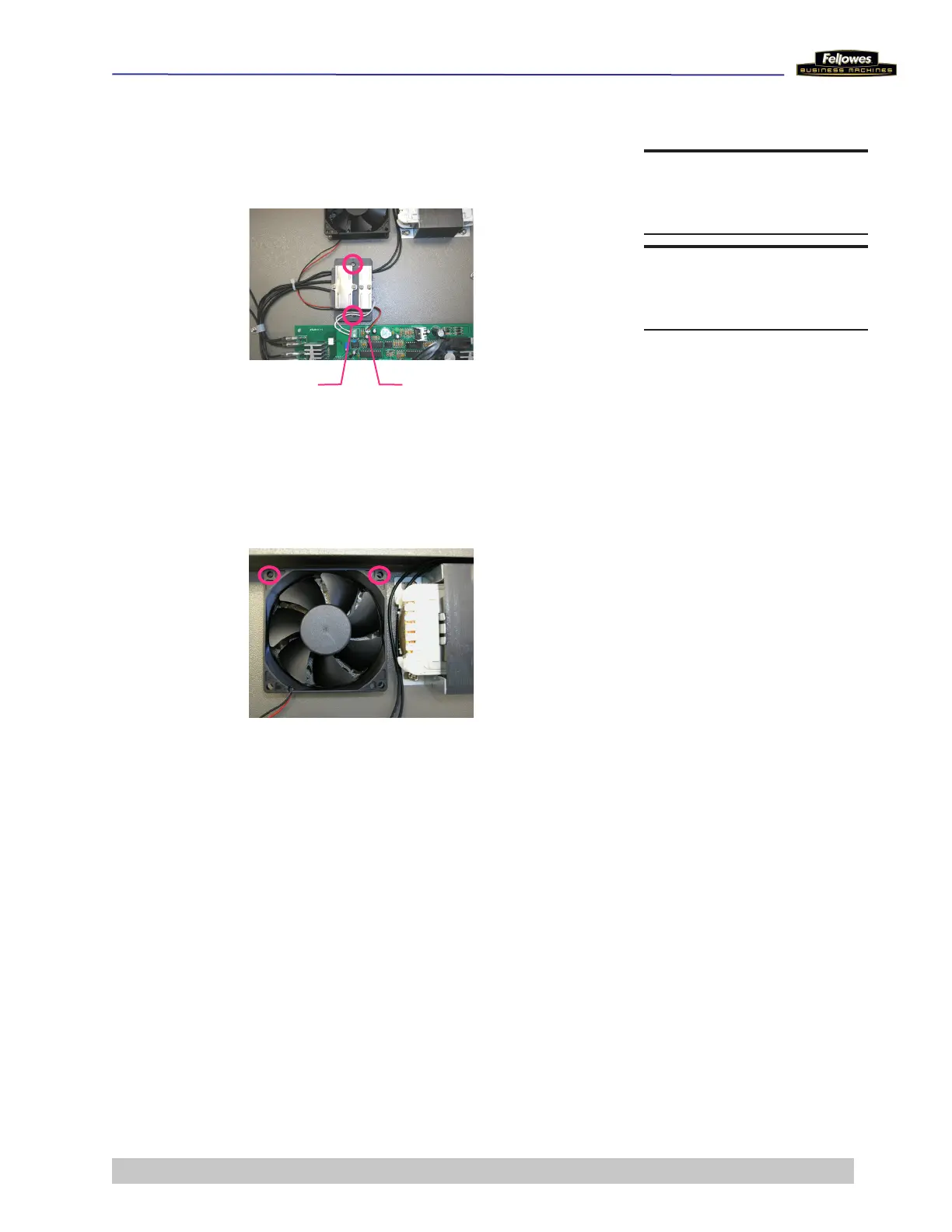
1 Remove the 2 screws that hold the Bimetal Switch/
Sensor Fixing Mat to the Metal Bottom Plate.
2 Remove the Fan wires from below it.
3 Remove 2 screws that hold the Fan to the Metal Bottom
Plate.
4 Place new Fan and secure it with 2 screws.
5 Re-attach connector to Main PCB.
6 Replace the Bimetal Switch/Sensor Fixing Mat and
secure it with the 2 screws.
7 Replace Roller Assembly.
DO THIS FIRST
Remove Housing Cover
TOOLS
Phillips screwdriver
Mat Screws
Fan Wires











 To Next Page