Proteus A3/125 Technical Service Manual Revised 09.15.11
9
Mechanical Assemblies
This section has procedures to:
Remove Roller Assembly
Remove/Replace Hot Rollers (Red)
Remove/Replace Hot Rollers (Blue)
Remove/Replace Hot Rollers (Gray)
Remove Side Panels and Roller Press Side Panel
Covers
Remove Roller Electric Brush
Remove/Replace Metal Gears
Remove/Replace PVC Gears
Replace Roller Bushing
Remove Roller Assembly
1 Remove the 4 acorn nuts from the Metal Bottom Plate
on the reverse side of the laminator.
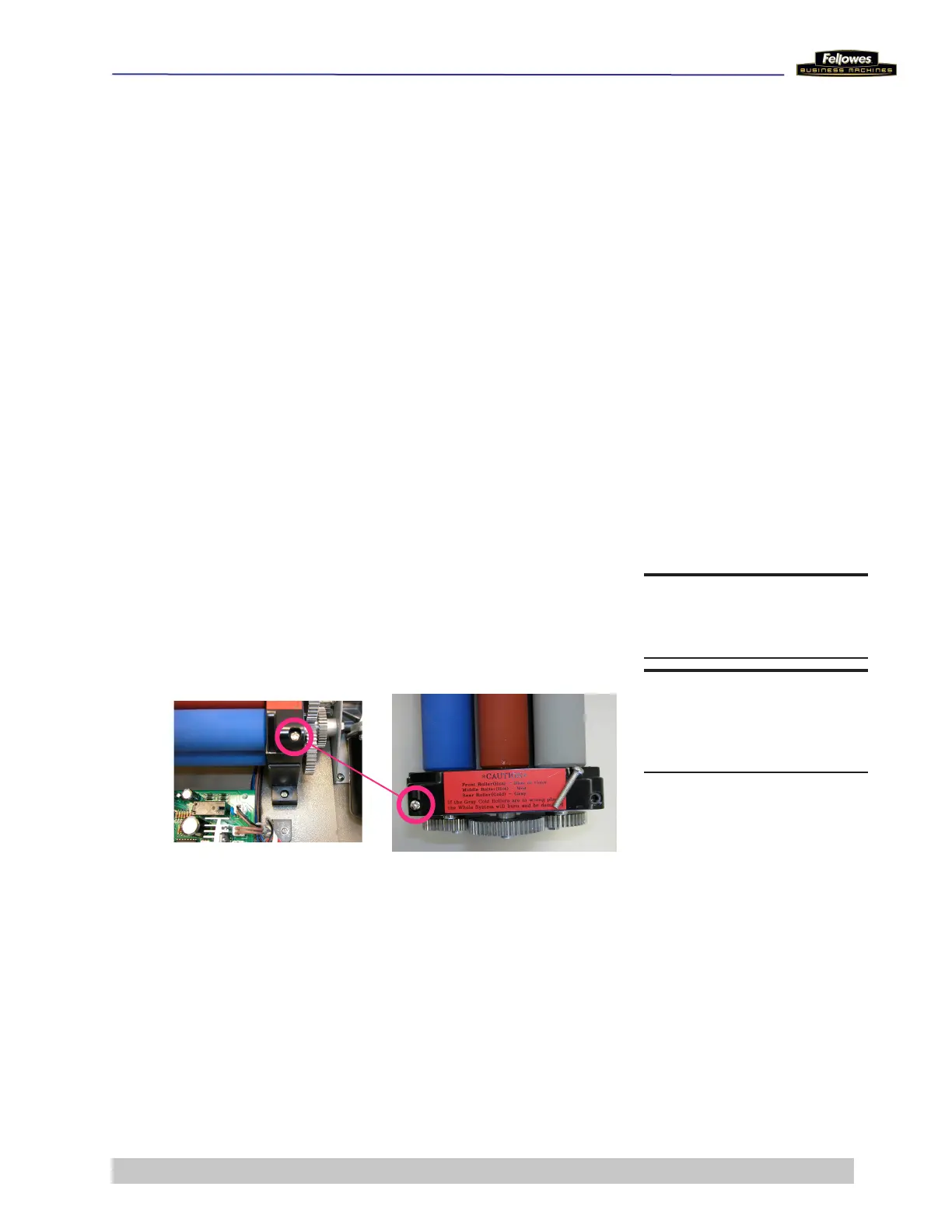
2 Remove the 4 screws that hold the Roller Assembly to
the Bottom Plate.
3 Carefully lift and rotate the Roller Assembly and place it
on its end opposite the motor.
DO THIS FIRST
Remove Housing Covers
TOOLS
Phillips screwdriver











 To Next Page