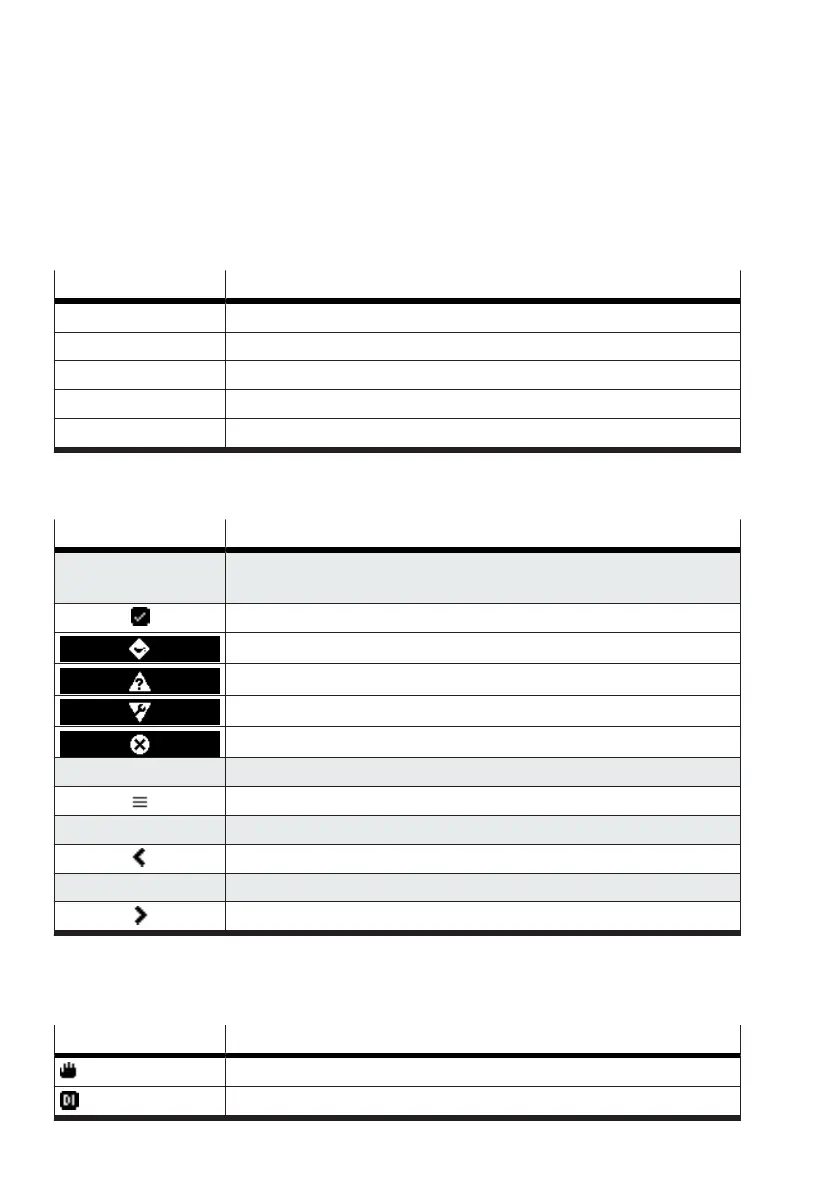
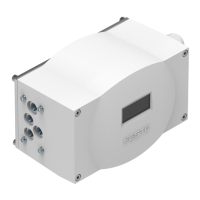
The default process view of the positioner shows the current values of the setpoint position and actual
position. If the device is not initialised, the current actual position cannot be displayed.
Additional process views have been defined for automatic mode. Use the left and right keys for
navigation between the process views.
The following 5 process views are available in automatic mode. These process views are not available
in the manual operating modes
è
7.2.3 ‘Operation mode’ menu:
Process view Description
1 Setpoint position [%]/actual position [%]
2 Setpoint value input [mA], analogue position feedback [mA]
3 Temperature [°C, °F]
4 Drive chamber pressures [bar, MPa, psi]
5 Supply pressure [bar, MPa, psi]
Tab. 4: Process views
Key functions
Symbol Function
Up key
–
Device status according to NAMUR recommendation NE 107
–
Switch to the message views
Good
Maintenance required
Outside the specification
Functional check
Failure
Down key
Switch to the menu views
Left key
Switch to the previous process view
Right key
Switch to the next process view
Tab. 5: Key functions in the process views
Status and information in the information area
The following status and information can be displayed in the information area of the process views:
Symbol Information/status
Manual operation
Active control signal at the digital input


 To Next Page