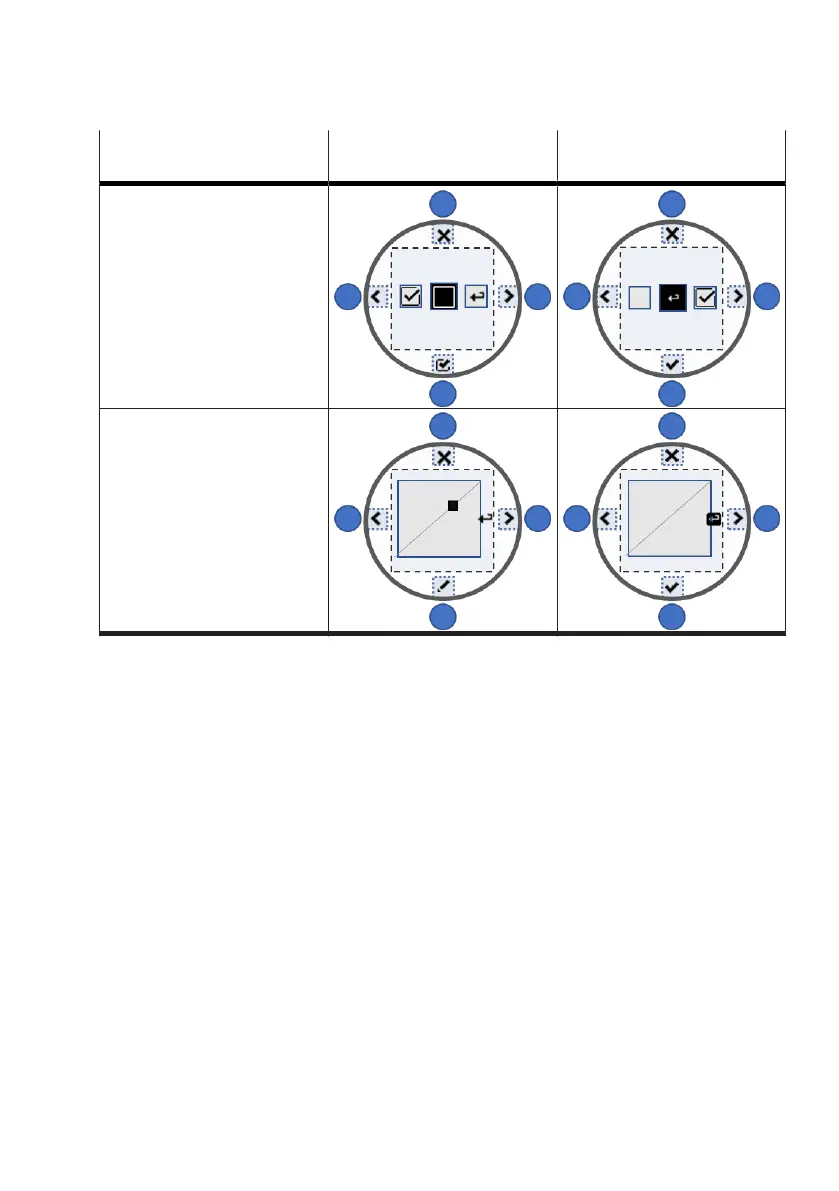
Pattern Lower key for changing the
focused parameter
Lower key for accepting the
change
Multiple selection
User characteristic curve
Tab. 10: Accepting changes
Selection
During selection one or more options are selected from a list. There is a distinction between whether
just one or more options are permissible. After a single selection the value currently stored in the
system is displayed in the upper area.
Step-by-step value entry
With step-by-step value entry, a parameter value can be changed with the left and right keys. The
value currently stored in the system is displayed in the upper area and the permitted value range in
the lower area of the view.



 To Next Page