1. Installation
1-8
Festo P.BE-CPX-FB32-EN en 1111a
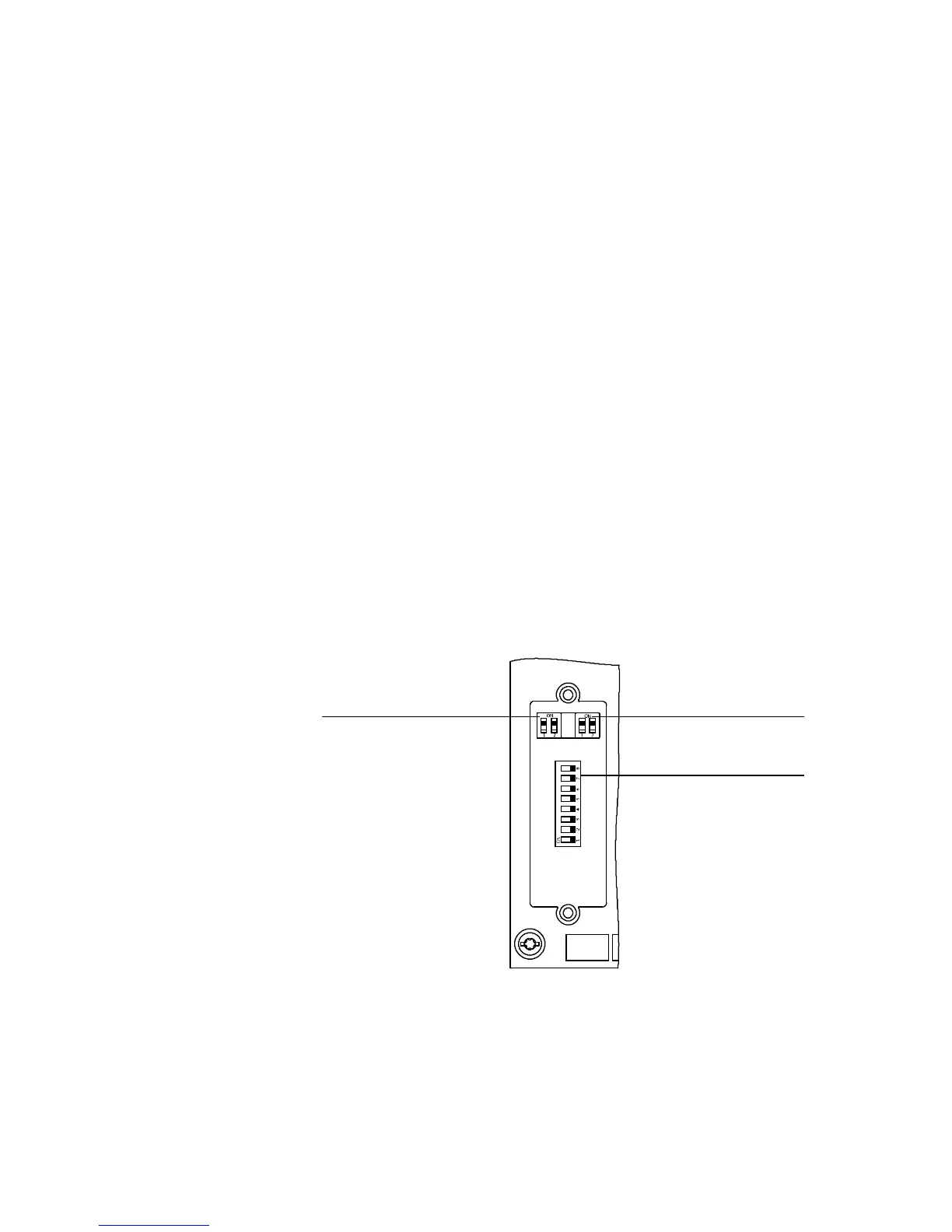
1.2.2 Settingthe DIL switches
You can set the followi ng parameters with the DIL switches
under the cover (see Fig. 1/3):
– Operating mode
– Diagnostic mode or number of I/O bytes
– IP addressing
Procedure:
1. Switch off the power supply.
2. Remove the cover over the DIL switches (section 1.2.1).
3. Carry out the setting as described on the foll o w i ng pages.
4. Mount the cover again (section 1.2.1).
1
DILswitch1:
Operating mode
2
DILswitch2:
Diagnostic mode
or number of I/O
bytes for Remote
Controller
3
DILswitch3:
IP addressing
12
3
Fig. 1/3: DI L switch in the fieldbus node



 To Next Page