Description of the CPX module parameters
Description Monitoring the Motion Terminal for the following errors:
– Supply pressure at port (1) too low (< 3 bar)
The error monitoring can be activated or deactivated. Monitoring must be
deactivated for a pressure at port (1) of less than 3 bar. Active monitoring
has the following effect:
– Error message at the CPX field bus nodes
–
Malfunction message in the VTEM diagnostic memory
Allocation Bit 0 Monitoring negative pressure
Bit 1 … 7 reserved
Values Bit 0 0 = inactive
1 = active (default)
Tab. 4: Description of the CPX module parameters
3.1.1.3 Manifold rail
The manifold rail provides the air ports (2) and (4) for each of the valves, as well as the ports for
compressed air supply (1) and common exhaust (3). In addition, the manifold rail can be connected
to an external pilot air supply (14). The changeover between internal and external pilot air is effected
using a blanking plug or selector in the manifold rail (
è
1.1 Applicable documents Instructions for use
of the Motion Terminal VTEM).
3.1.1.4 Pilot pressure regulator
The pressure regulator ensures a constant pilot pressure for the valves.
The pressure regulator is set and sealed at the factory. The setting must not be changed; doing so will
invalidate the warranty.
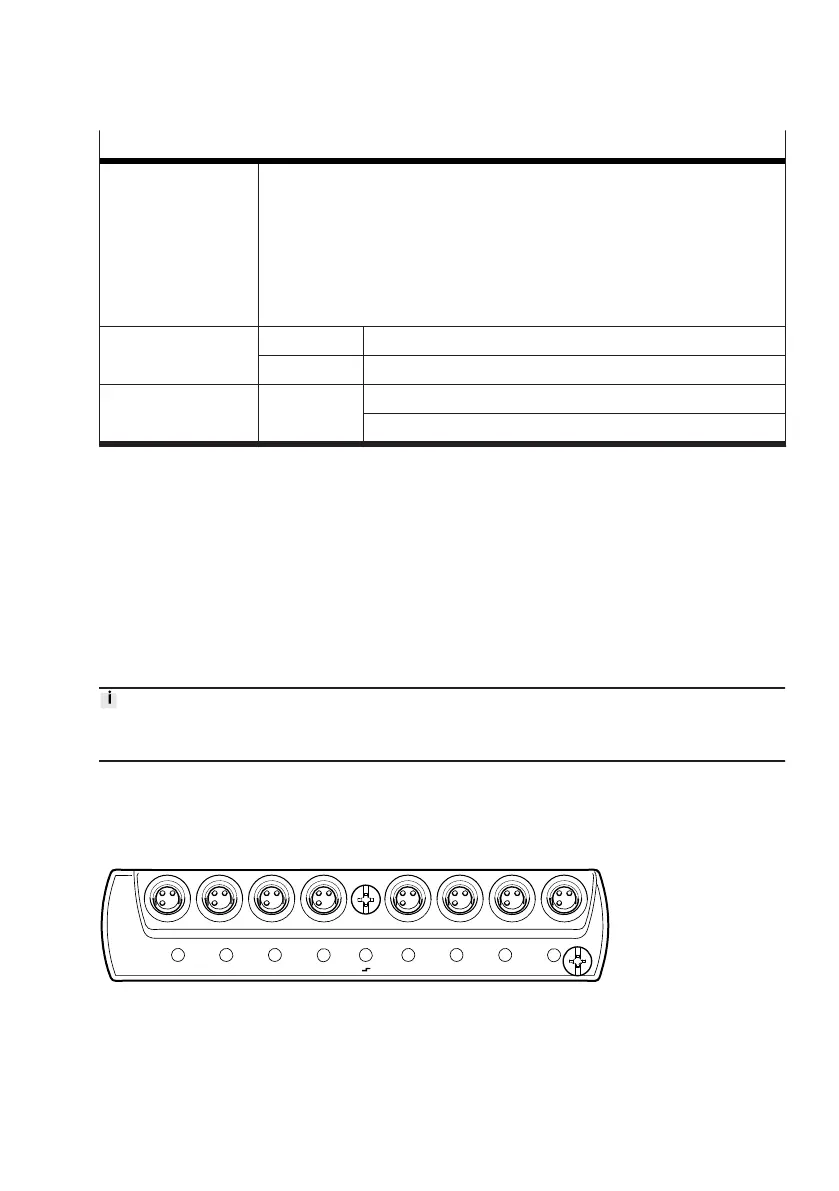
3.1.1.5 Input module CTMM-S1-A/D-… (optional)
Individual Motion Apps include the evaluation of digital or analogue sensor signals. The sensors
necessary for this are connected to the CTMM input modules. The assignment of the inputs to a valve
and thus to a Motion App is done via the system parameters
è
3.4.3.1 System parameters.
Fig. 7:
Input module CTMM-S1-D










 To Next Page