ECS Series Manual — P/N LS10262-001FK-E:A 3/3/2021 25
Installing the FIK-50W Device Installation
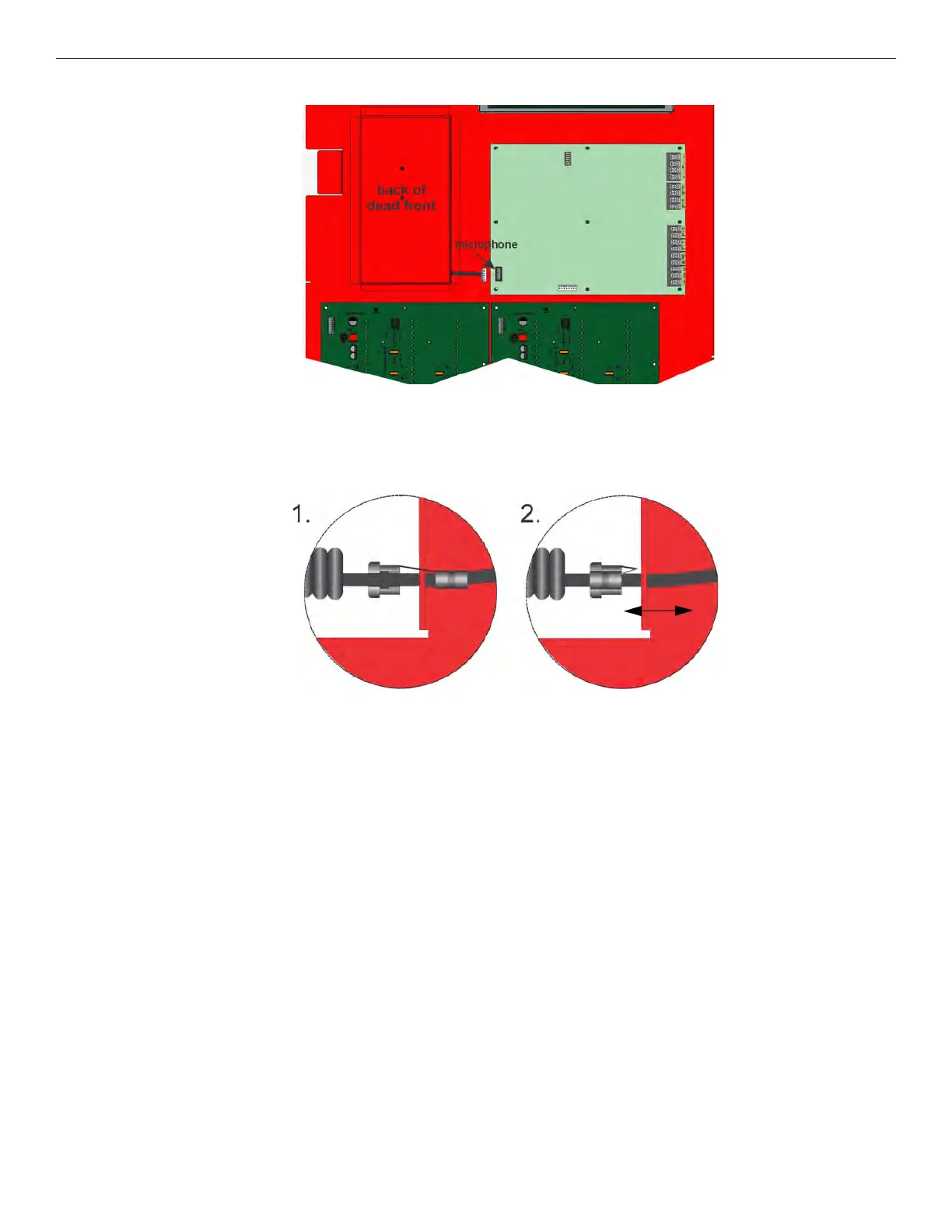
2. Insert microphone cord through hole at the bottom of the dead front panel. See Figure 4.9.
Figure 4.9 Microphone Cord Inserted Through Dead Front Panel Hole
3. Attach strain relief clip to microphone cord. The strain relief clip should have about 2¾” of micro phone cord through it. See
Figure 4.10.
4. Push the strain relief into the hole in the dead front panel.
5. Connect microphone to appropriate connector on FIK-EMG.
Figure 4.10 Installing Strain Relief Clip
4.3 Installing the FIK-50W
This section provides information on how to install the FIK-50W for use with the ECS Series products.



 To Next Page