ECS Series Manual — P/N LS10262-001FK-E:A 3/3/2021 59
Installing the FIK-RVM Device Installation
Follow these steps to install the FIK-CE4.
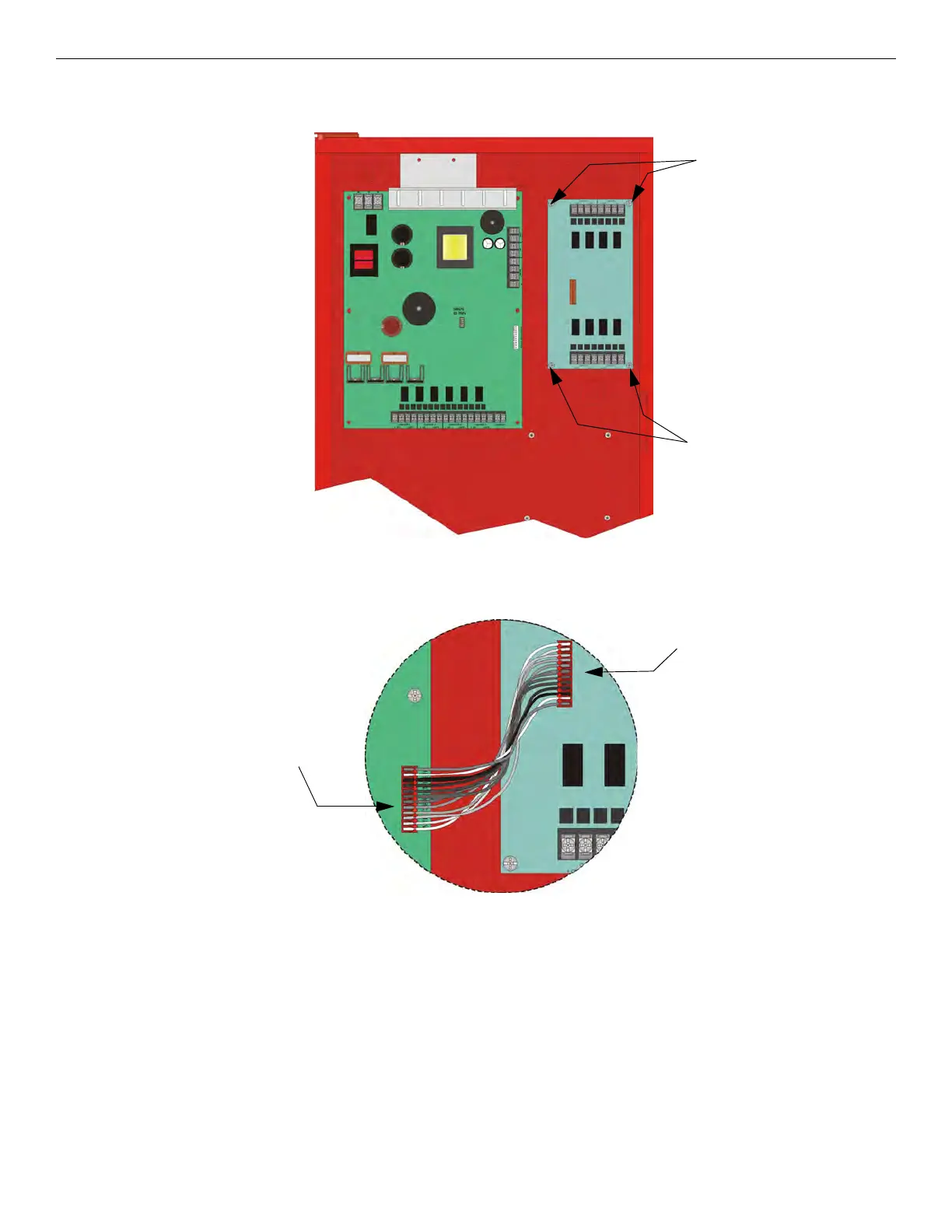
1. Using the four supplied screws mount the FIK-CE4 in the cabinet as shown in Figure 4.57.
Figure 4.57 Mounting the FIK-CE4
2. Connect the audio expander cable harness (P/N 130426) from the connector labeled “Audio Expander” on the FIK-50W or FIK-125W
to the connector on the FIK-CE4 as shown in Figure 4.58.
Figure 4.58 Audio Expander Wire Harness Connections
3. Wire audio circuits as shown in Section “Speaker Wiring” on page 28.
4.10 Installing the FIK-RVM
The FIK-RVM Remote Voice Module is contained within the FIK-LOC or FIK-LOC2100 Local Operator Console. It provides a supervised
microphone for live communication and an interface for the Emergency Communication System.
4.10.1 FIK-RVM Board Layout
The following is description of the FIK-RVM remote voice module components.
mounting
screws
mounting
screws
FIK-CE4
FIK-CE4
Connector
FIK-125W audio
expander



 To Next Page