2-6 FT-100/CI and FT-170/CI Operation Guide
Document 40275-0913
2.4 Control Panel
2.4.1 Purpose
You use the control panel keys to navigate through the menus and
to select a case type, restart counters, view counters, view
diagnostic displays, clear error messages and select values.
2.4.2 Diagram
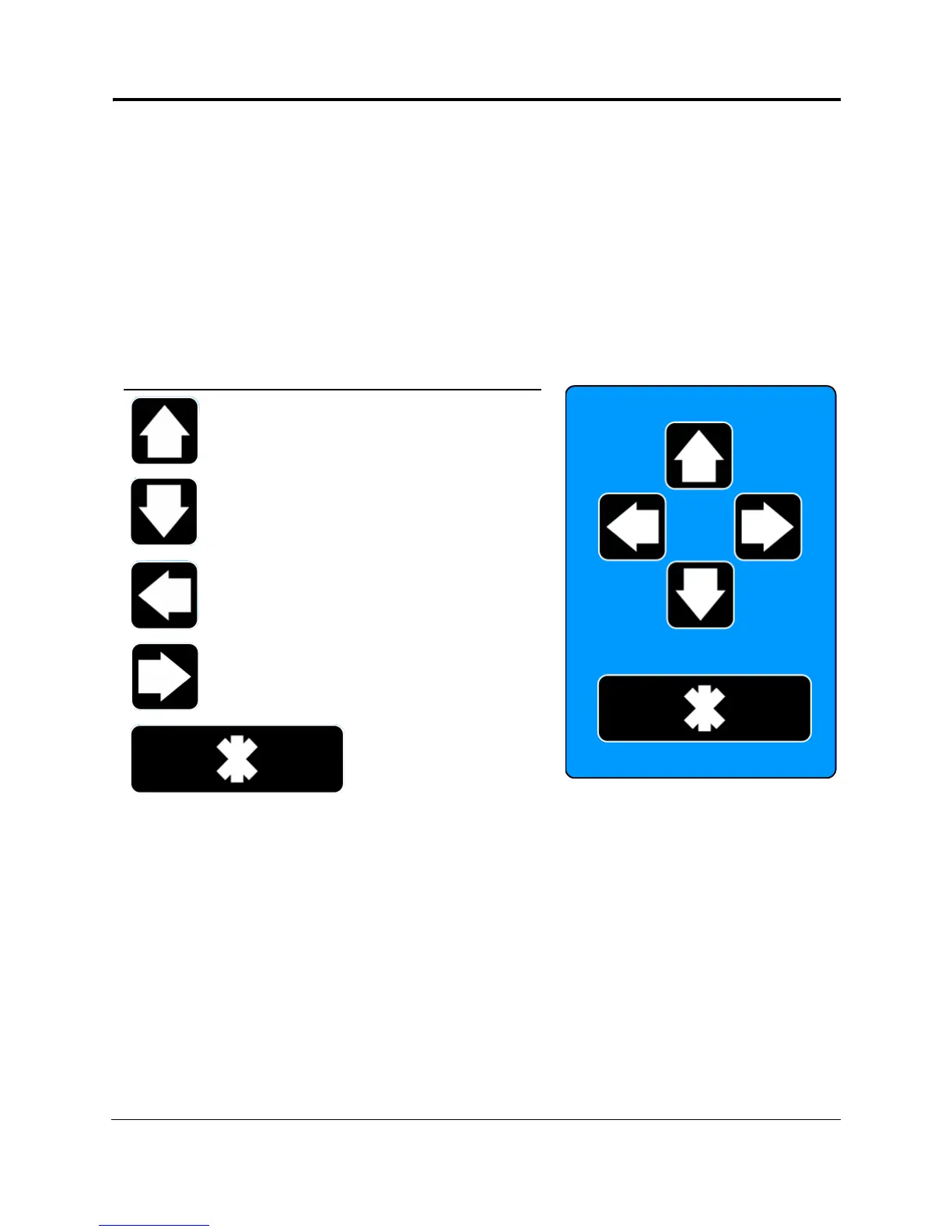
Here is a diagram that describes the parts of the control panel.
Figure 2-4. Control Panel
Key Description
Moves the cursor up to
highlight an option or to
increase parameter values.
Moves the cursor down to
highlight an option or to
decrease parameter values.
Moves the cursor left to
highlight an option or to
increase parameter values.
Moves the cursor right to
highlight an option or to
decrease parameter values.
Selects the highlighted
option so you can adjust a
value using the arrow keys.
Press this key, which is the
Enter key, to set the value.



 To Next Page