Components of the FT-100/CI and FT-170/CI 2-9
Document 40275-0913
2.7 MASTER MENU
2.7.1 Diagram
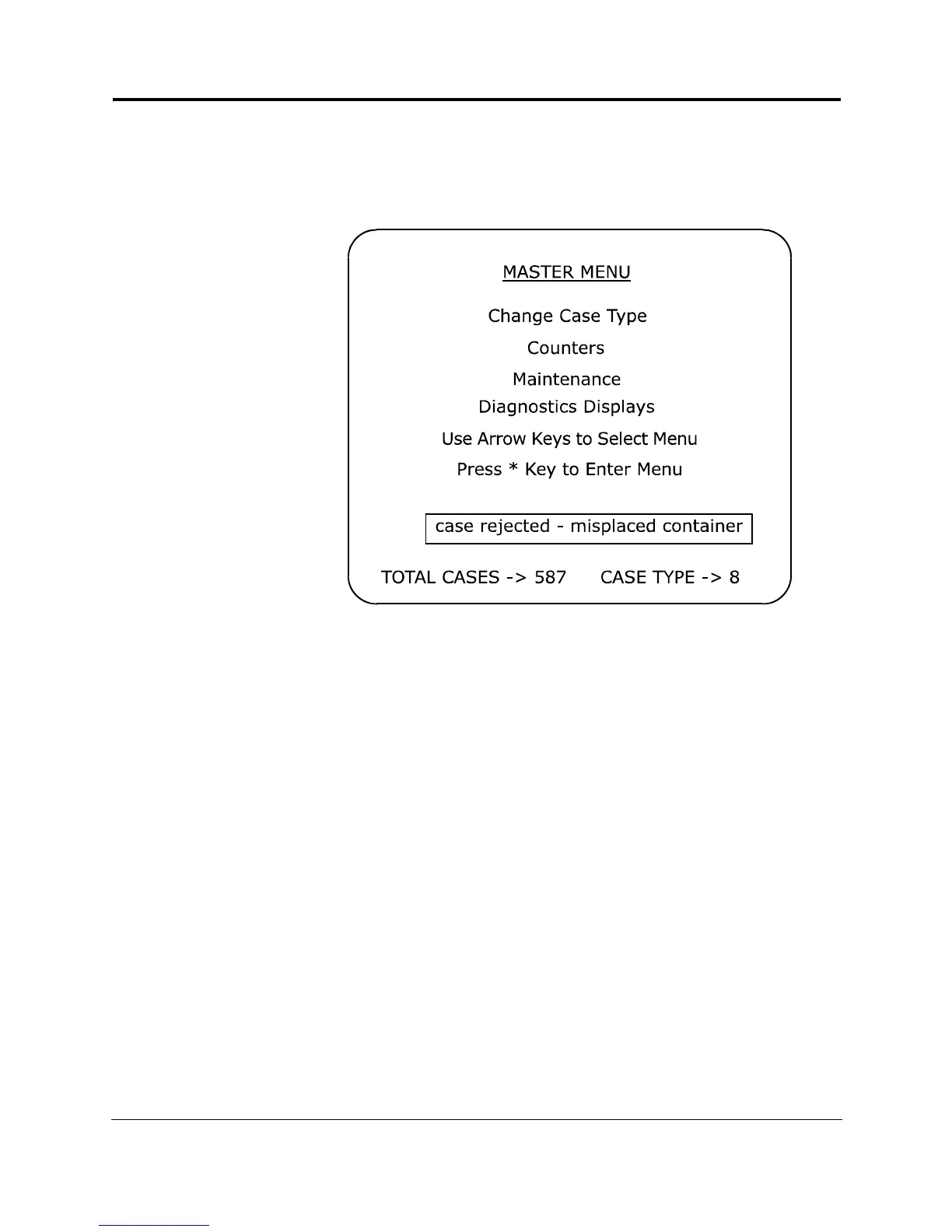
Here is the MASTER MENU.
Figure 2-6. MASTER MENU
2.7.2 Description
You use the MASTER MENU to access the CHANGE CASE TYPE,
the Counters, and the Diagnostics Display menus.
• The total cases inspected count for the current production
run is displayed in the total cases field on all menus. See the
MASTER MENU for an example.
• The case type is displayed in the case type field and indicates
the case type you are currently inspecting. The case type is
displayed on all menus.
• Error messages are displayed in the error message field of
each menu.
While the FT-100/CI or FT-170/CI is inspecting, the screen
returns to the MASTER MENU where you can view the total cases
count, watch for error messages and select other menus.



 To Next Page