3-16 FT-100/CI and FT-170/CI Operation Guide
Document 40275-0913
3.9 Using the Reject History Counter
3.9.1 Steps
As cases are accepted or rejected, the FT-100/CI or FT-170/CI
calculates production statistics such as the percentage of
rejected cases.
If your service department has set a maximum limit of allowable
rejects, when that limit is exceeded, the FT-100/CI or FT-170/CI
displays a message on the screen and the beacon begins to flash.
1. On the MASTER MENU, first select Counters and then select
Reject History.
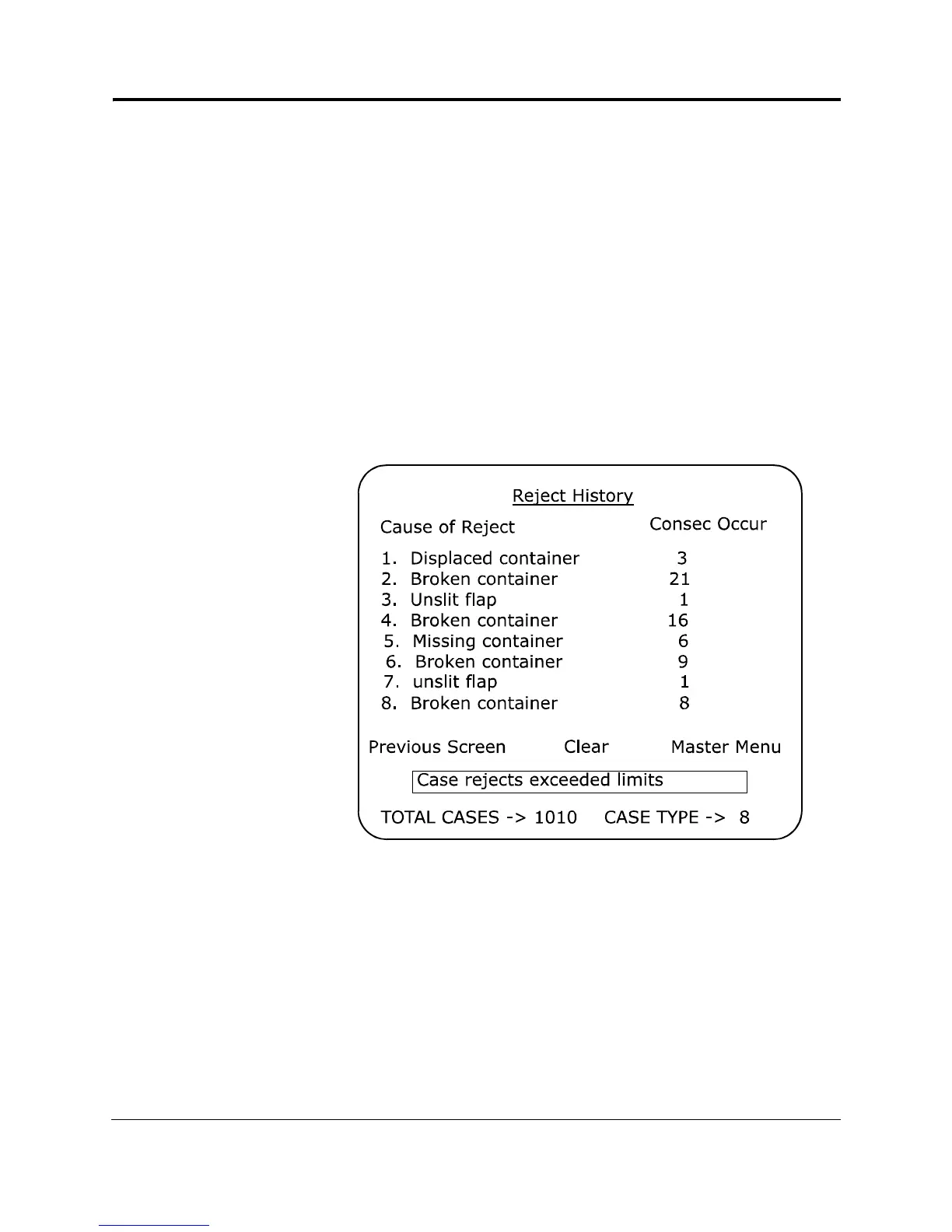
Result: The FT-100/CI or FT-170/CI displays the Reject
History menu.
Figure 3-10. Reject History Menu
The last entry contains the most current information and
might be a good clue for discovering the source of the
problem.
For more clues, look for causes that are listed more than
once and for causes that have more occurrences.



 To Next Page