3-12 FT-100/CI and FT-170/CI Operation Guide
Document 40275-0913
3.8.2 Steps: Adjusting the Side Flap Sensors
Complete these steps to adjust the side flap sensors.
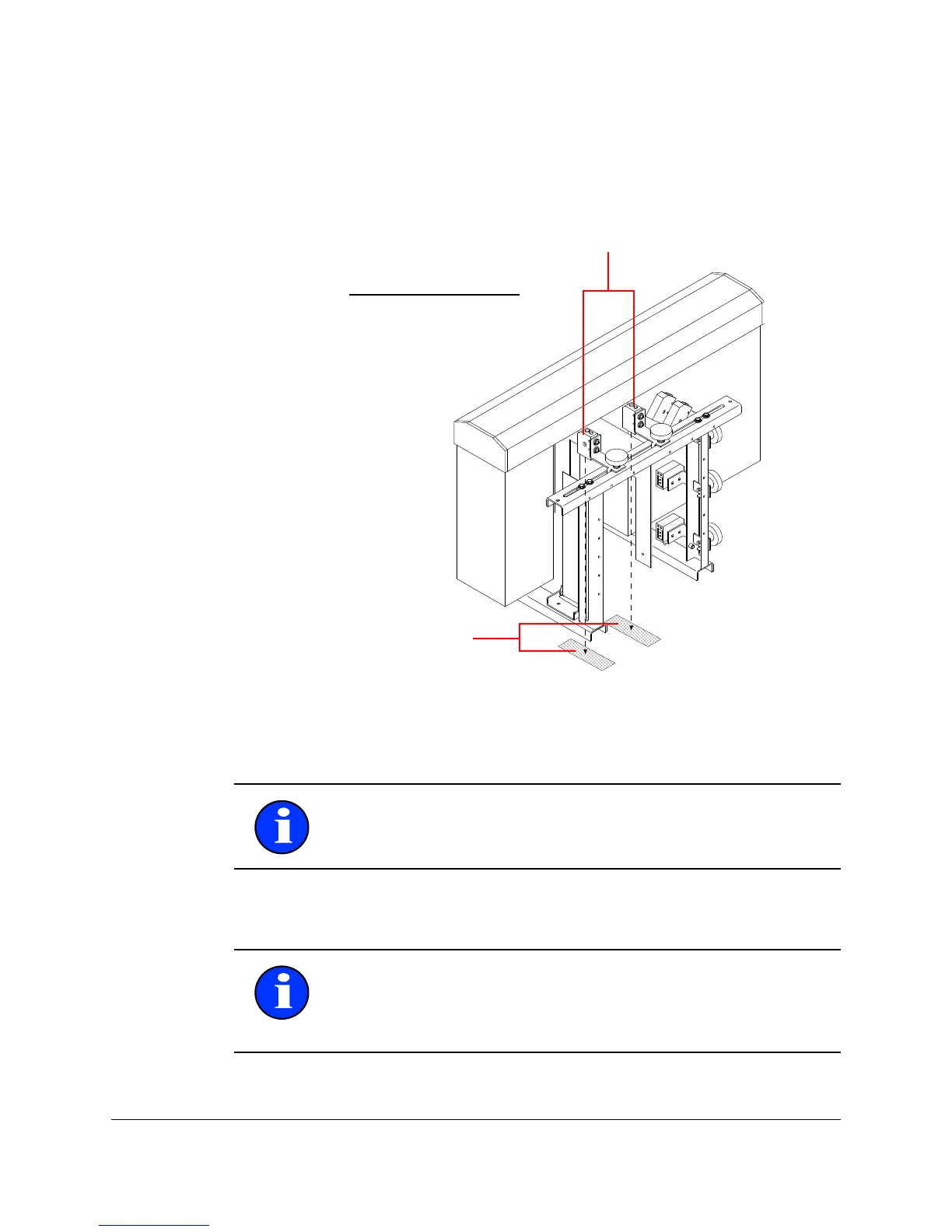
1. Check and ensure that the sensor is positioned so that it
points directly downward, and is aimed at the sensor
reflector that is mounted on the conveyor belt.
Figure 3-7. Adjusting the Side Flap Sensor
2. Adjust the position of the sensors.
3. Check the operation of the sensor by waving your hand in
front of it.
Note: You might also need to adjust the guide rails to position
the case correctly.
Note: When you pass your hand in front of the sensor beam,
ensure that the indicator light emitting diode (LED) on the back
of the sensor turns off and on. The sensor beam is working
correctly when the sensor turns on and off.



 To Next Page