2-8 FT-100/CI and FT-170/CI Operation Guide
Document 40275-0913
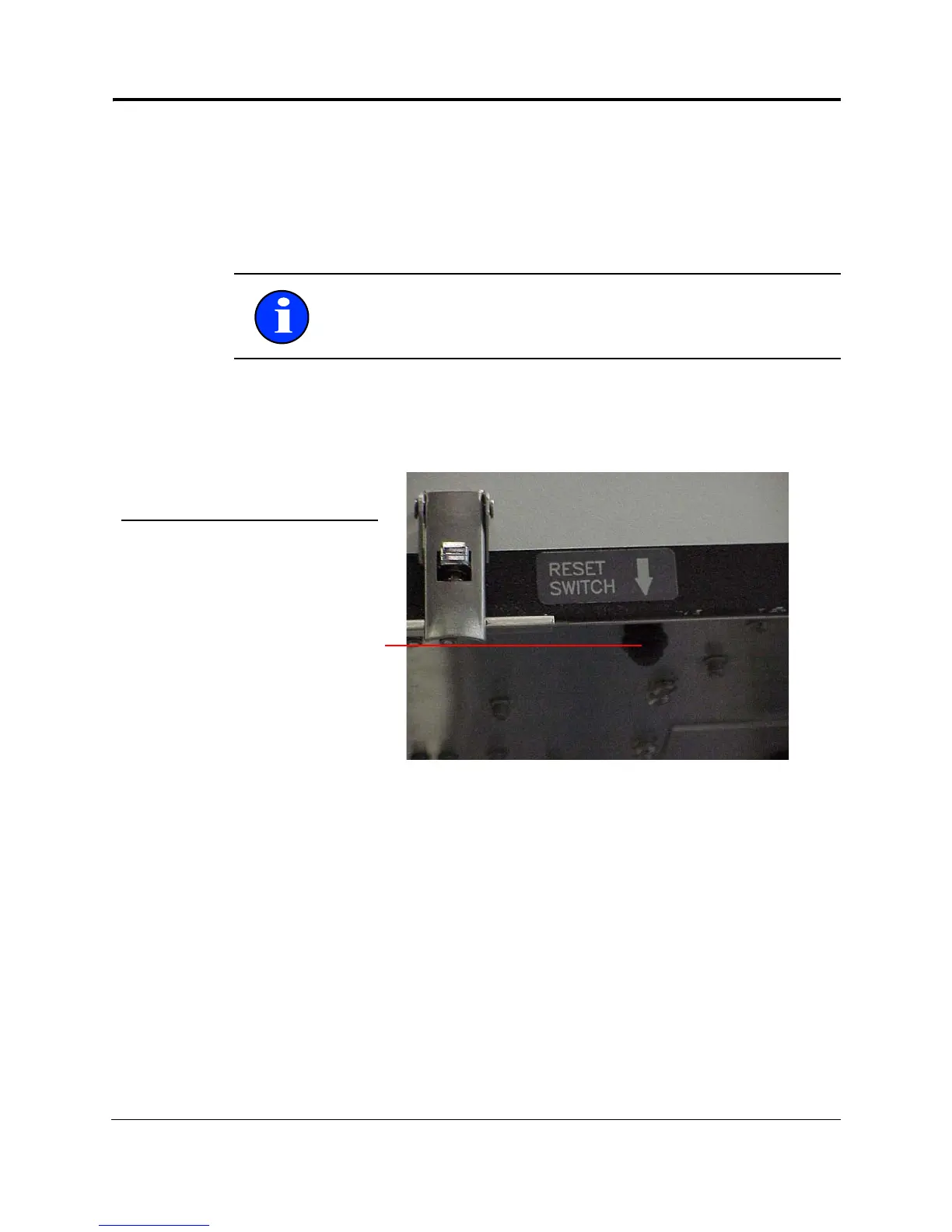
2.6 Reset Switch
2.6.1 Purpose
Use the reset switch if there is a computer system failure. The
reset switch reboots the computer without having to stop and
restart the production line.
2.6.2 Diagram
Here is what the reset switch looks like.
Figure 2-5. Reset Switch
Note: Do not use the reset switch to clear alarms. You must fix
the problem that caused the alarm rather than disable the
alarm.



 To Next Page