Operating the FT-100/CI and FT-170/CI 3-9
Document 40275-0913
3.6 Adjusting the Height of the Inspection
Beam
3.6.1 Steps
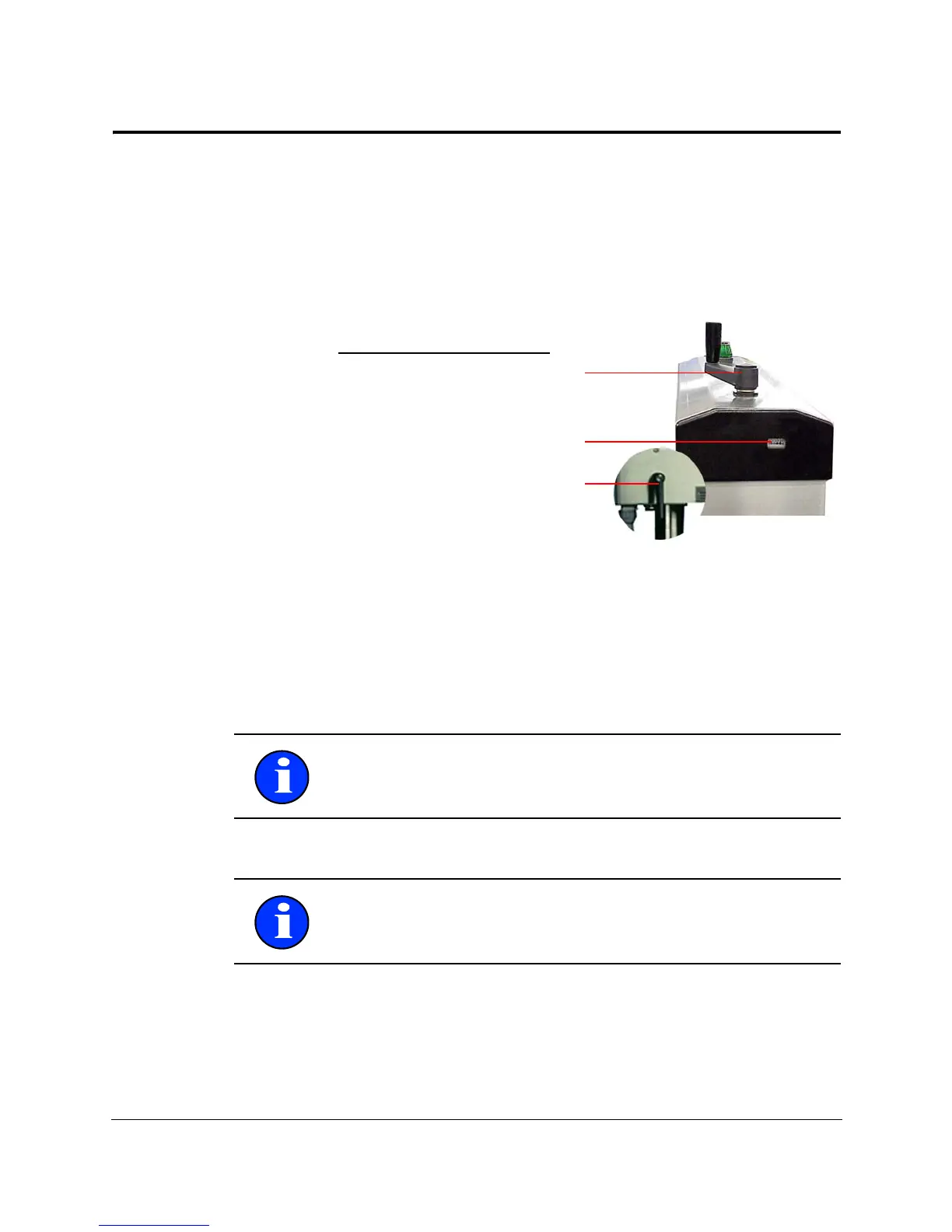
You might need to adjust the height of the inspection beam when
you change the case type. Each case type typically has a set value
that is already defined. The Height Set Value Indicator allows you
to set the inspection beam height precisely at the correct point.
Figure 3-4. Adjusting the Height of the Inspection Beam
1. Tu rn the height locking lever to unlock the head position.
2. Watching the head height indicator, turn the adjustment
crank to move the inspection head up or down to the correct
height setting.
3. Lock the height locking lever to secure the head position.
Important: When lowering the inspection head, go down past
the head height number and raise it back up to the correct head
height.
Important: Do not hang items on the adjustment crank lever.
Weight on the lever can alter the inspection head position and
create false rejects.



 To Next Page