24
Guide DMP10 / DMP20
4 Guide
All relevant settings for measuring the coating thick-
ness of a coated specimen
1
and the measured read-
ings themselves are saved in the gauge in a file.
Such a file is called a batch. In order to measure, you
must assign to the batch a calibration (reference)
that is saved in the connected probe.
In the batch, you define the measurement procedure,
e.g. whether specification limits are to be monitored
during the measurement.
2 steps to the measurement
1. Start-up the gauge
• Insert/charge the battery, 25
• Connect the probe, 29
• Switch on the gauge: press the [ ] key for
approx. 2 s.
2. Take measurements on the specimen, 38
If the specified precision is not achieved during
the measurement, you must check the calibra-
tion, 58.
1. In this Operator's Manual, both a coated part of any shape and size and a surface containing mul-
tiple measuring positions are referred to as a specimen.
NF/FE
Batch 001
n 10 46.8
s 1.81 Min 44.9
Max 48.5 V[%] 3.9
x
47.3
µm
i49.0
i44.5
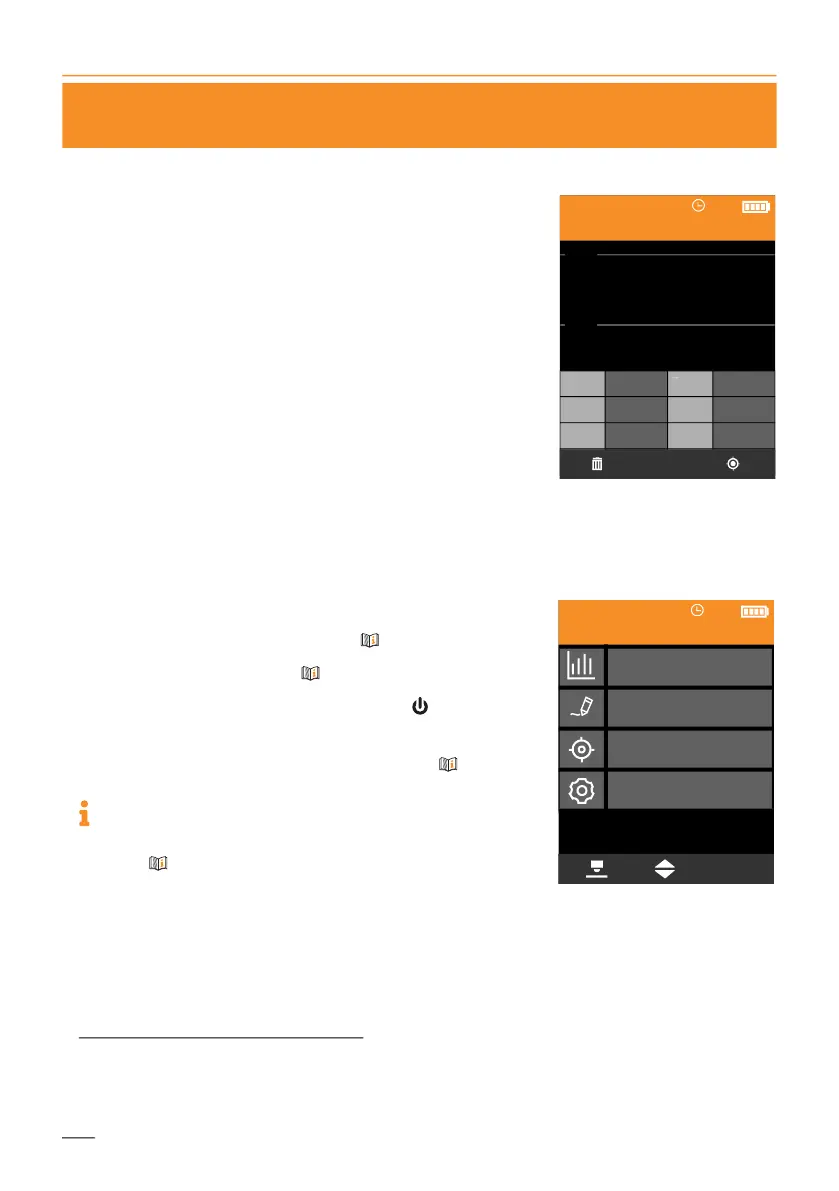
Example of the Measurement
view showing statistics with
set specification limits
OK
Statistics
Batch Modify
Calibrations
Gauge Settings
NF/FE
Batch 001
Main menu













 To Next Page