71
DMP10 / DMP20 Batch settings
Exit the dialog page Rename:
a Use the OK key to move the cursor to the far right until the character
appears at the right edge of the display.
b Exit the dialog page: OK.
3. Exit the menu: , the settings are now made.
The previous measured readings and statistical evaluations are converted and dis-
played according to the newly set unit of measurement.
12.3 Selecting the Measurement view for the batch
You can display various items of additional information for the batch. You can choose
between two Measurement views.
To select a Measurement view
1. > Batch Modify > OK > Views Settings > OK > Measurement View > OK > select
desired Measurement view > OK
Measurement view is activated:
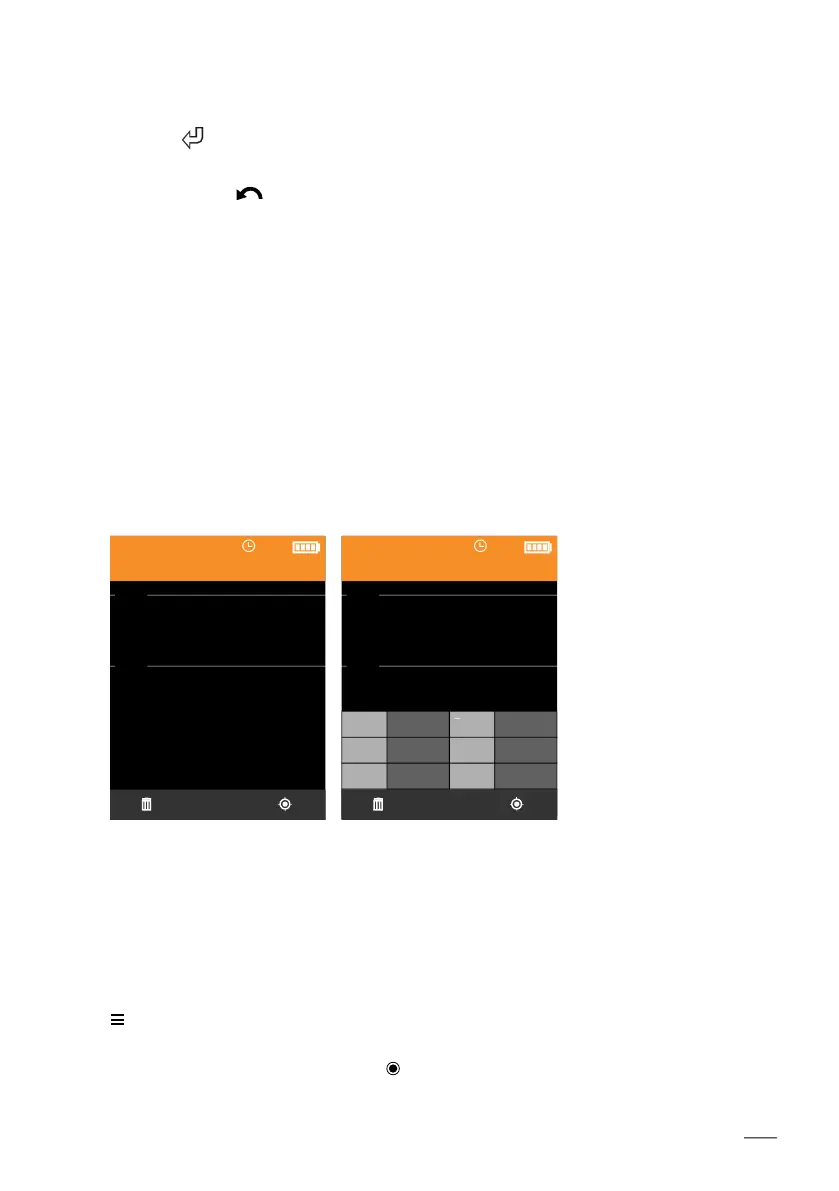
The display screens below should be considered only as examples; batch 001 has set specifica-
tion limits.
NF/FE
Batch 001
47.3
µm
i44.5
i49.0
NF/FE
Batch 001
n 10 46.8
s 1.81 Min 44.9
Max 48.5 V[%] 3.8
x
47.3
µm
i44.5
i49.0
Measurement view
Simple
Measurement view
Statistics (default mode)
Only the current measured
reading is displayed.
In addition to the current
measured reading, a mea-
sured reading statistic is
shown in a table.
[ ]













 To Next Page