Flora Digital Printing System
Model LJ320P
Copyright 2011@ Shenzhen Runtianzhi Image Technology Co.,Ltd. By Victor Xu
~11~
Chapter 2 Preinstall Requirement
This is a pre-install guide for Flora LJ3208P. Customers are recommended to prepare the room and other
necessary devices before the machine arrived and installation. We have made every effort to guarantee the
accuracy and integrity of the information in this guide. Should you find some errors or omissions, please bring
them to our attention so we can check and correct them accordingly.
2.1 Getting Started
This section provides the necessary information to preinstall the printer. Familiarize yourself with the
basic of the printer before reading Section 2.
Contents of this section:
z Operating conditions
z Consumables
2.2 Operating Conditions
This section describes the operating conditions for the printer.
2.2.1 Installation Space
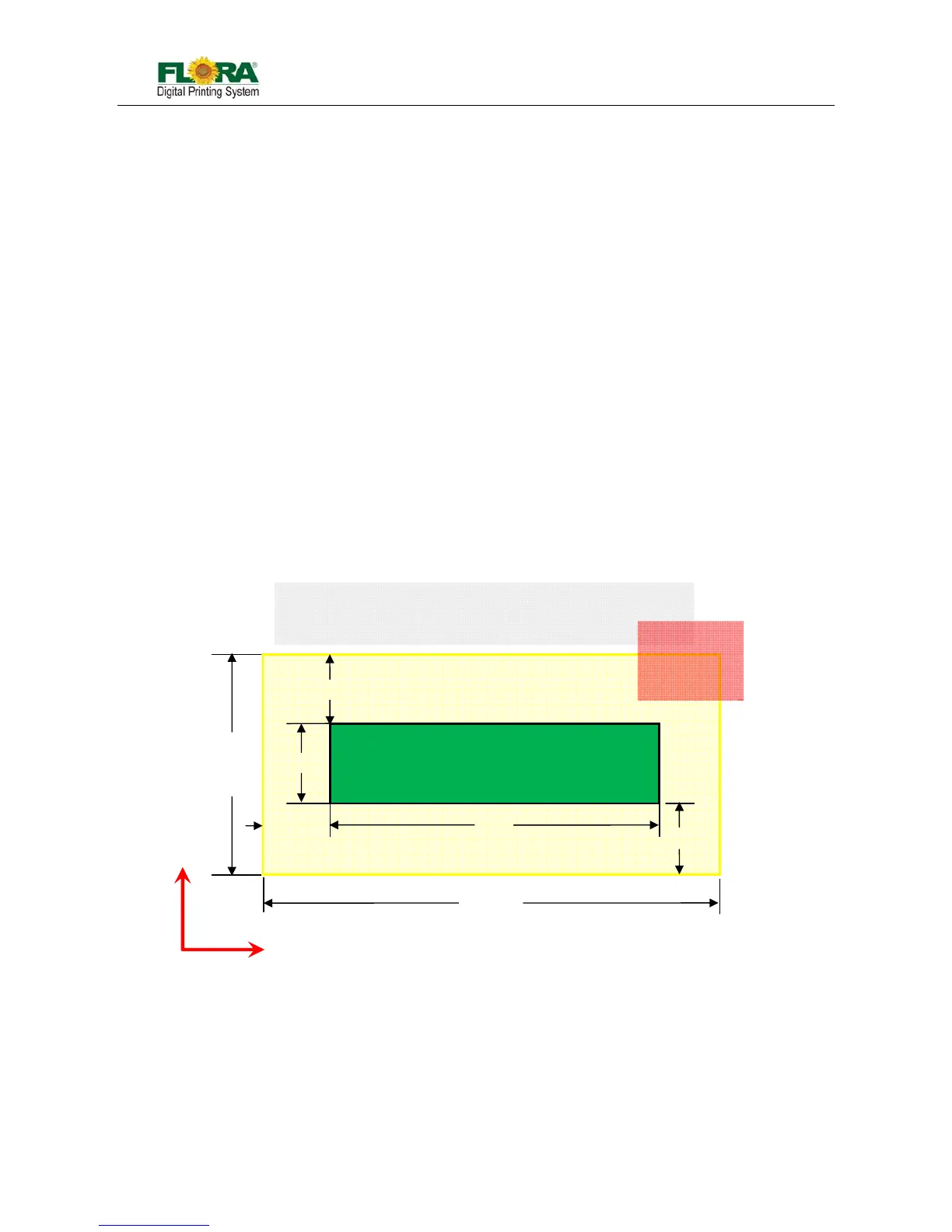
There must be sufficient space around the printer for the replacement of frequently used parts,
for the output of the printed media and for ventilation. In addition, maintenance space, shown below,
is required to repair the printer or replace components.
There must be at least 1m of space in every side at X-axis, at least 1.5m of space at in every
side Y-axis, at least 1m from the top of the machine.
2.2.2 Environment Conditions
2.2.2.1 Operating temperature and humidity levels
The printer should be used within the temperature and humidity ranges as shown below;
Temperature: 20 ºC to 30 ºC
Humidity: 40% to 70%
Note: To obtain better print quality, use the printer within temperature of 25 ºC to 30 ºC.
X
Y
Media



 To Next Page