Flora Digital Printing System
Model LJ320P
Copyright 2011@ Shenzhen Runtianzhi Image Technology Co.,Ltd. By Victor Xu
~40~
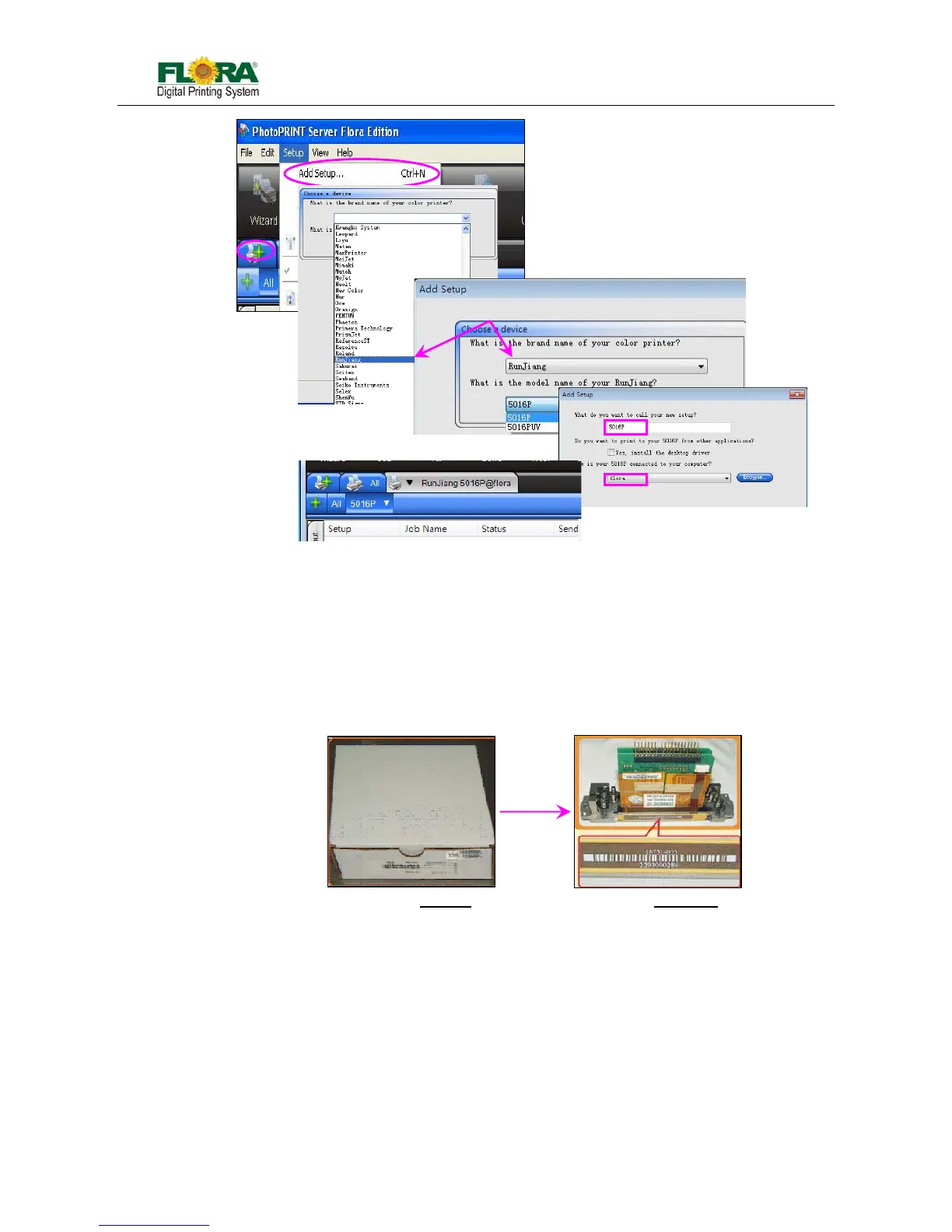
3) Then select the brand name of the printer and the model name. Then click “Next”;
4) Click “Finish” after the final process. Then you can find the device. If the setup is successful the
installed device or printer will be shown on the PhotoPRINT GUI.
5.3 Install Print Heads
i. Unpacking the Print head
a) Open the package, and then take out the anti plastic bag.
b) Open the anti-static plastic bag check the SN. of print head with label on the box.
Note:
The head is pre-loaded with ink analog to prevent drying of the nozzles during
transportation.
Wrap the head with a non-woven
cloth to protect the nozzle surface and prevent
drying of the ink analog.
ii. Connect the ink tube and connector PCB
Note:
The ink tube must be tightened, or it will cause leakage.
The pins of the print head should match with connector PCB one by one.
The Brand name should be



 To Next Page