There are two ways to enable MSG, one is from menu, and the other is from your PC to use IP542N’s webpage.
From Menu:
Step 1.Press Menu button to enter menu items and then choose 11Voice Mail
Step 2.Highlight the line you want to configuration, and then select it
Step 3.And then use the softkey buttons to configuration it according to the prompt
Step 4.Press the softkey button under save to save the changes
From Webpage:
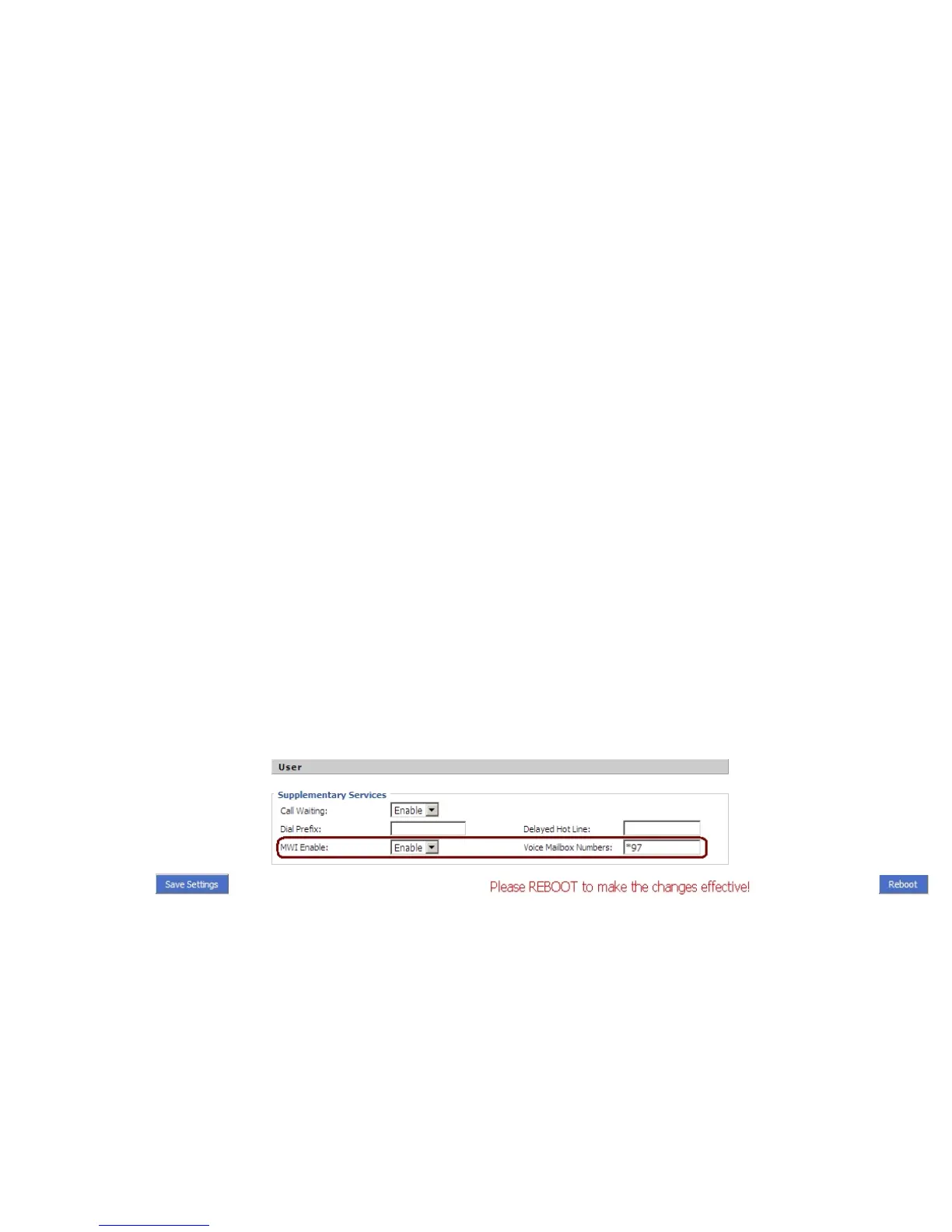
Step 1.Log into Web, open Account X (1/2/3/4) /User webpage.
Step 2.Enable MWI Enable and fill in the Voice Mailbox Numbers (get the number from your phone administrator), below is a settings
example based on Asterisk.
Step 3.Press button to save changes, then the notice will appear, press
button to make changes effective.



 To Next Page