EasyManua.ls Logo

Flying Voice Technology IP542N - Call Log

Default Icon
72 pages
Print Icon
To Next Page IconTo Next Page
To Previous Page IconTo Previous Page
Loading...
FLYINGVOICE Page
59
of
72
Step 5. Press Save Settings button to save changes.
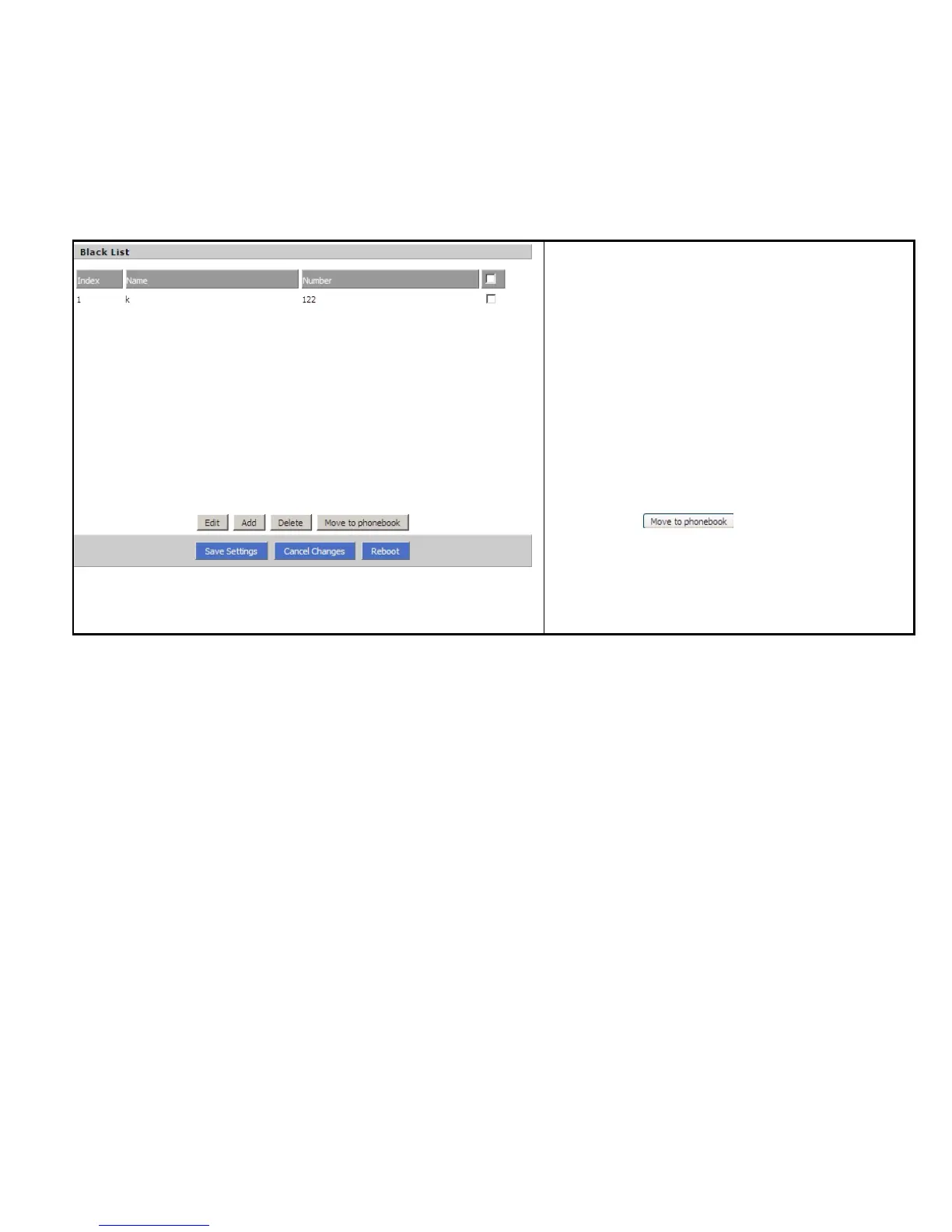
Deleting one Black List:
Step 1. Choose one black list
Step 2. Click Delete button to delete the black list
Moving one Black List to phonebook:
Step 1. Choose one black list
Step 2. Click button to move the black
list to the phonebook

Picture 3
7.6.4 Call Log
To view the call log information such as redial list (incoming call), answered call and missed call.

Table of Contents