FLYINGVOICE Page
48
of
72
Step 4. Press Reboot to reboot IP542N.
A Virtual Private Network (VPN) is the extension of a private network that encompasses links across shared or public networks like the Internet.
In short, by VPN technology, you can send data between two computers across a shared or public network in a manner that emulates the
properties of a point-to-point private link.
Description
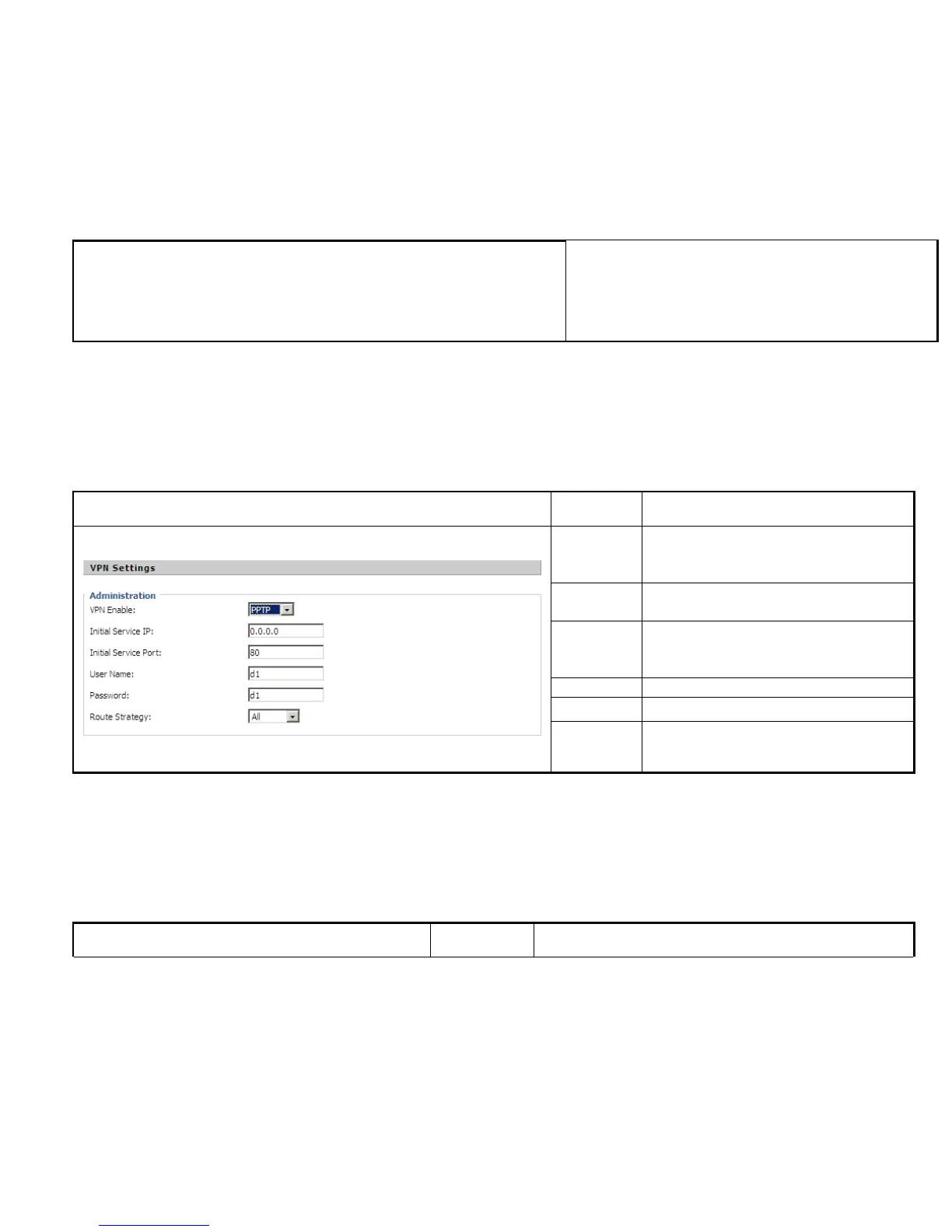
VPN Enable
If or not enable VPN.
And user can choose the VPN mode from PPTP
and L2TP.
Initial
Service IP
VPN server IP address
Initial
Service
Port
VPN server port
User Name The user name for authentication
Password Password for authentication
Route
Strategy
Choose route mode from all or SIP
IP542N provides a facility DMZ Host that maps ALL unsolicited data on any protocol to a single host in the LAN. Regular web surfing and
other such Internet activities from other clients will continue to work without inappropriate interruption. DMZ Host allows a defined internal
user to be totally exposed to the Internet, which usually helps some special applications such as Netmeeting or Internet Games etc.



 To Next Page