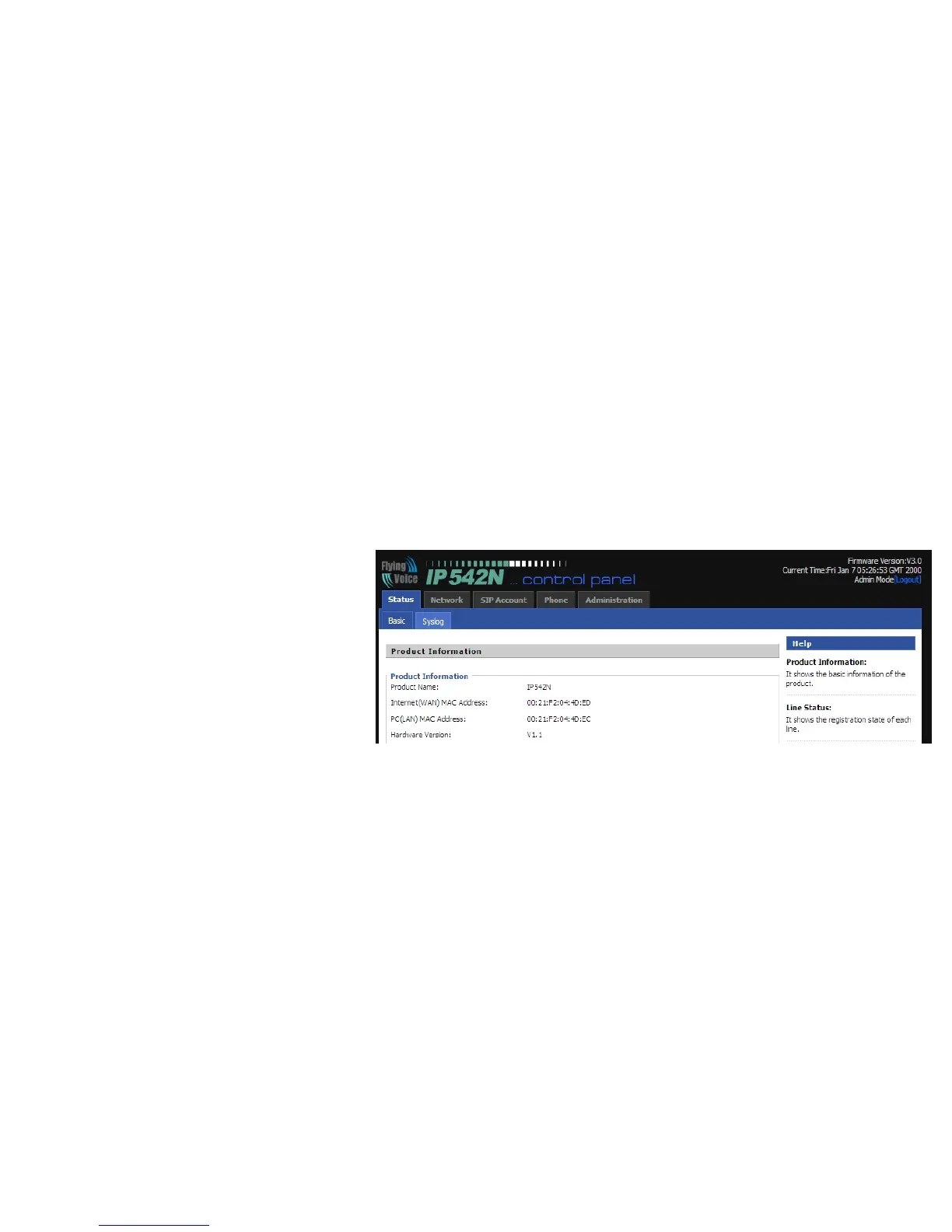
7.1 Web-based Configuration
This section will show you how to configure your IP542N using the web-based configuration interface. The default network settings
are the following:
Default Internet Connection Type: DHCP
Default PC Port Connection Type: Bridge
Default user name of admin mode: admin
Default user name of user mode: user
Default password of Web: (null)
Default Web login port: 8080
To access the phone through a web browser,
Step 1.Setup IP542N correctly
Step 2.Lookup the Internet IP Address in the
left side of LCD
Step 3.Enter “http://Internet IP Address:8080” in the address field of the browser.
Step 4.Type “admin” or “user” for the User Name, click on the Login button to access the configuration page
There are two levels of web configuration: one “user” ID level that can view just some portion in the web, and the other “admin” ID
level that can view and configure all settings in the web-based configuration interface. To use “admin” ID for login, please contact



 To Next Page