Description
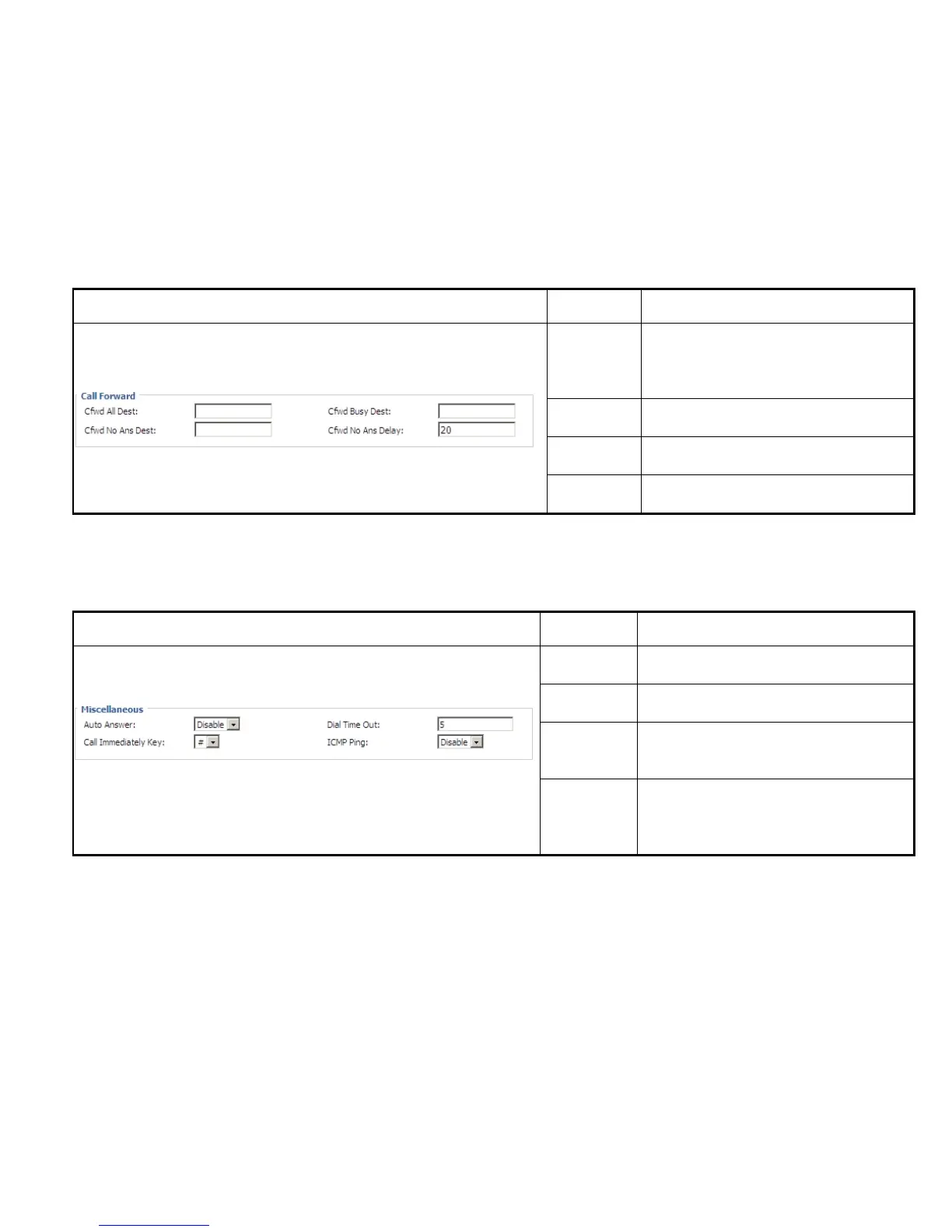
Cfwd All
Dest
The phone number which will be forwarded to.
IP Phone will forward all calls to the phone
number immediately when there is an incoming
call.
Cfwd Busy
Dest
The phone number which will be forwarded to
when line is busy.
Cfwd No Ans
Dest
The phone number which will be forwarded to
when there's no answer at your phone.
Cfwd No Ans
Delay
The seconds to delay forwarding calls, if there is
no answer at your phone.
Description
Auto Answer
If or not enable auto answer. If enable, IP542N
will auto answer all incoming call immediately.
Dial Time Out
How long IP542N to sound dial out tone when
IP542N dialing number.
Call
Immediately
Key
Choose call immediately key form * or #.
ICMP Ping
If or not enable ICMP Ping.
If enable this option, IP542N will ping the SIP
Server every interval time, otherwise, It will send
“hello” empty packet to the SIP Server.



 To Next Page