Input the new password again
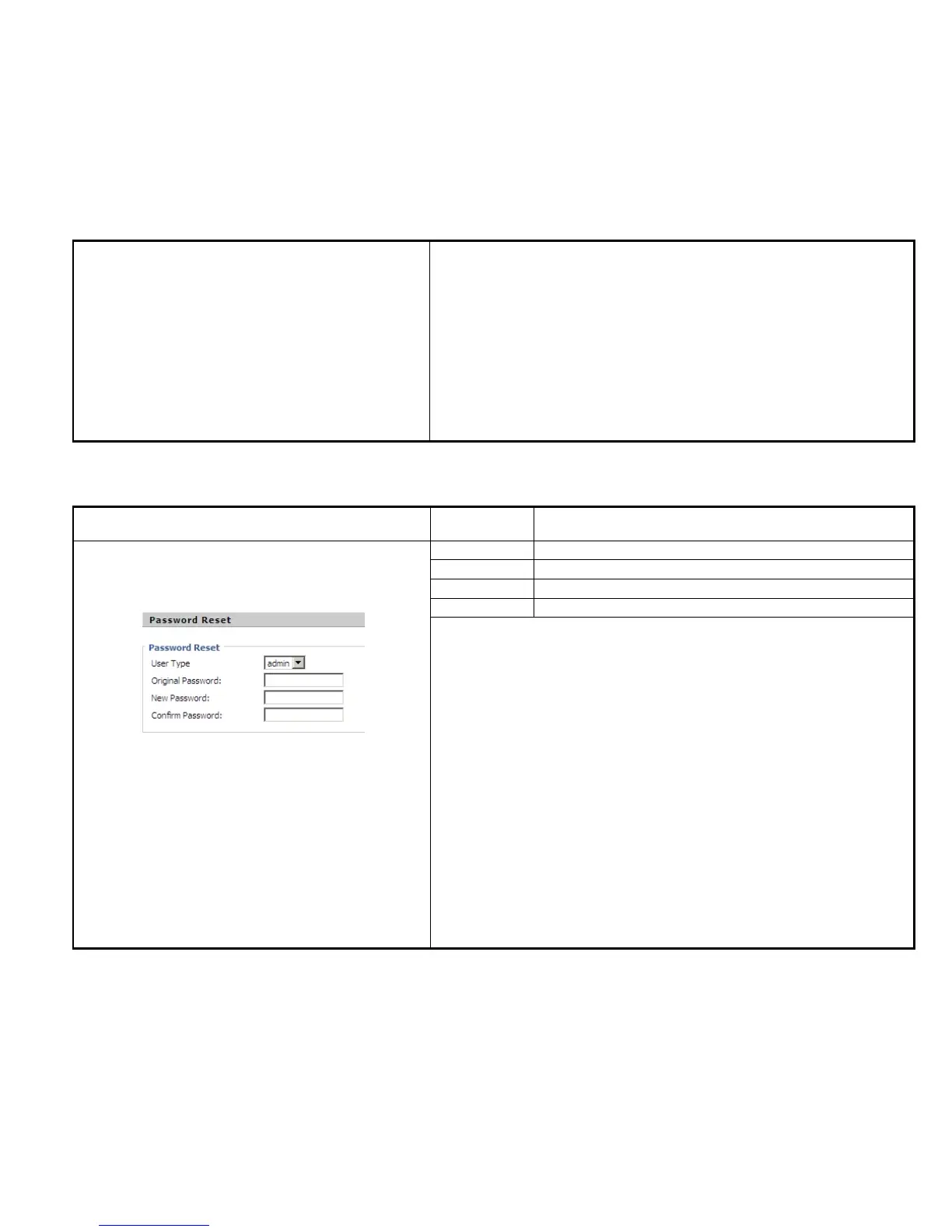
Change the password of admin mode:
Steps:
Step 1. Choose the admin from the drop-down list.
Step 2. Input original password, default setting is null.
Step 3. Input a new password twice time in New Password and Confirm
Password.
Change the password of user mode:
Step 1. Choose the user from the drop-down list.
Step 2. Input original password, default setting is null.



 To Next Page