EasyManua.ls Logo

Flying Voice Technology IP542N - Factory Defaults; Firmware Upgrade

Default Icon
72 pages
Print Icon
To Next Page IconTo Next Page
To Previous Page IconTo Previous Page
Loading...
FLYINGVOICE Page
65
of
72
Picture 3
changes.
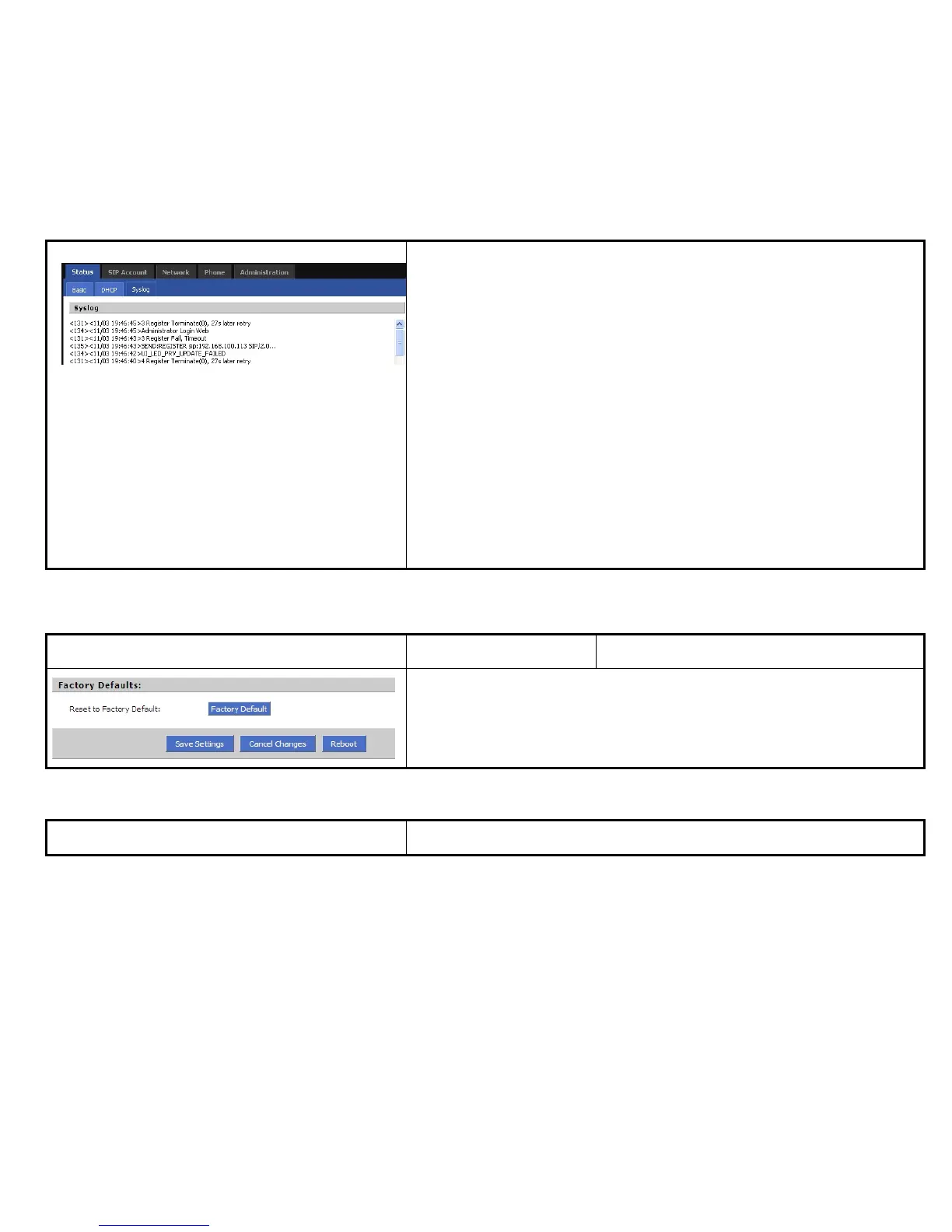
Step 3. User can view syslog in Status/Syslog webpage.
In remote:
Step 1. Fill in syslog server IP address or domain name
Step 2. Choose one kind of Log Level, like Picture 2.
Step 3. Press Saving Settings button to save and press Reboot button to active
changes.
Step 4. User can view syslog in syslog server, and you can also view the syslog in
Status/Syslog webpage.

7.7.1.5 Factory Defaults
Webpage
Field Name
Description
Press Factory Default button to set IP542N default.
7.7.2 Firmware Upgrade
Webpage
Description

Table of Contents